How to Mount a Tablet Holder Inside a Desktop Carrel
Founder & Workspace Ergonomics Specialist at Desktop Carrel · Certified Professional Ergonomist (CPE), WELL Accredited Professional (WELL AP) · 13+ years testing acoustic privacy panels, modular carrels, and productivity workspace ergonomics
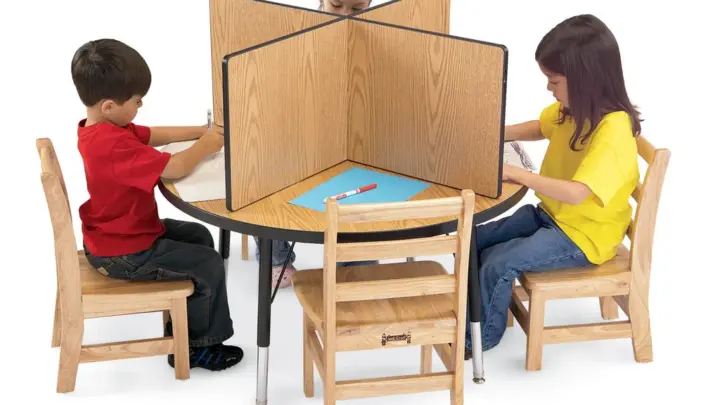
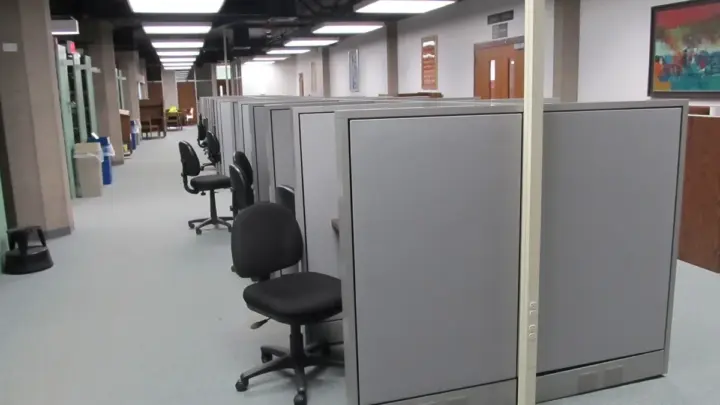
A tablet in a desktop carrel sounds simple until you actually look at the space. The shelf sits low, the walls hug your elbows, and the panel is usually thin steel or particleboard you can't drill. Figuring out how to mount a tablet holder inside a desktop carrel comes down to one thing: matching the mount to the surface you actually have.
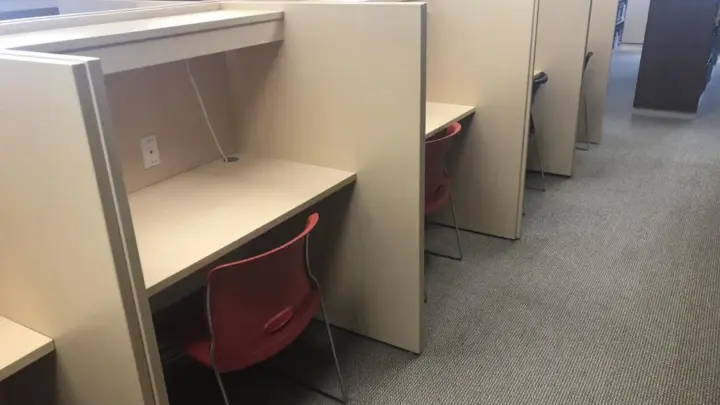
In our research, carrel shelf clearance typically runs 12 to 20 inches above the work surface, and panel thickness lands between 0.5 and 1 inch. Those two numbers decide nearly everything. Get them wrong and even a five-dollar clamp mount becomes useless.
So before we talk products, let's read the carrel itself.
how to mount a tablet holder inside a desktop carrel
Measure your carrel's shelf clearance, panel material, and surface depth first. Then pick a clamp, adhesive, magnetic, or bolt-through mount that matches. Clean the surface, dry-fit the mount, and secure the cable.
Damage-free adhesive or clamp options work best for library and institutional carrels.
Quick Answer: What Actually Fits in a Carrel
Here's the short version. Most carrels can only take one or two mount types, and the low shelf is what rules the others out.
If your shelf clearance is under 14 inches, skip tall gooseneck and articulating arms entirely. They'll either hit the shelf or block your view.
If the panel is thin steel or powder-coated, magnetic mounts are unreliable and clamps may dent the edge. Adhesive is often your only damage-free path.
If the panel is particleboard or laminate, drilling is off the table at most institutions. Adhesive plus a lightweight tablet is the safest combo.
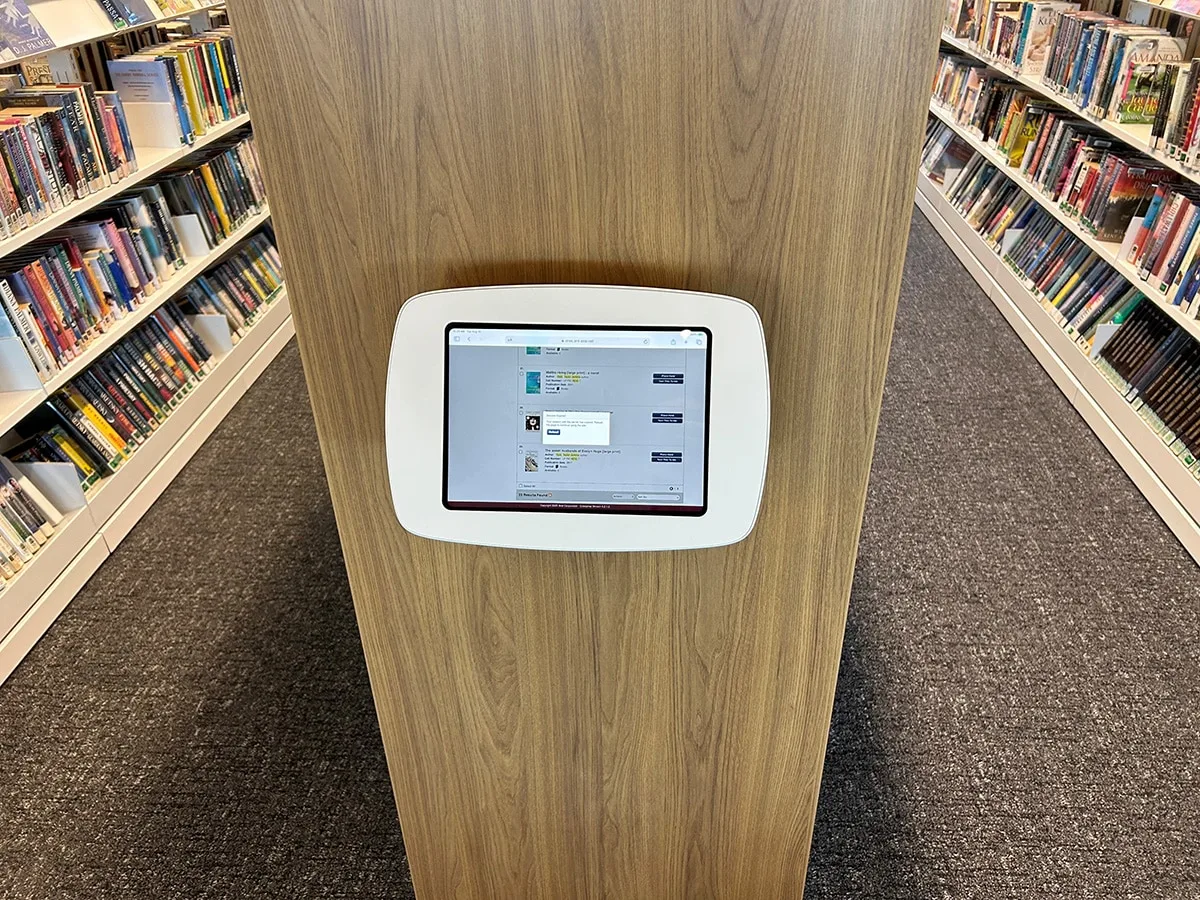
Image source: Bing (Web (fair-use with source credit))
Read Your Carrel First: The 4 Measurements That Decide Everything
Measure before you buy. A tape measure and two minutes save you a returned mount and a scuffed panel.
Shelf clearance (the silent killer)
Shelf clearance is the vertical gap between the work surface and the underside of the fixed overhead shelf. Per our review of common carrel builds as of 2026, that gap usually falls between 12 and 20 inches.
If your tablet stands vertically, add its height to the mount's base. A 12.9-inch iPad Pro in portrait is roughly 11 inches tall. Stack that on a 4-inch mount base and you're already at 15 inches.
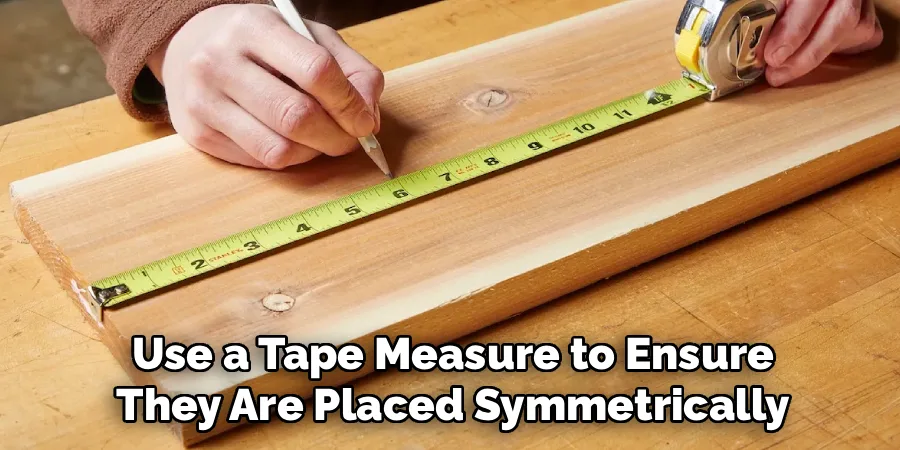
Image source: Bing (Web (fair-use with source credit))
Panel material and thickness
Steel and aluminum panels hold magnets poorly if powder-coated. Particleboard and MDF crumble when you drive a screw. Laminate veneer peels under strong adhesive.
Run a magnet across the panel. If it barely grips, magnetic mounts are out. Tap the surface: a hollow ring means thin steel, a dull thud means wood composite.
Usable work-surface depth
Most carrels give you about 24 inches of depth. A freestanding tablet stand eats 6 to 10 inches of that. That's your keyboard and notebook space gone.
Wall and shelf mounts keep the desk clear. Clamp mounts take the edge only.
Cable and outlet reach
Standard charging cables run 3 to 6 feet. If the nearest outlet sits on the opposite wall, your tablet will hang awkwardly or tug the mount.
Measure from the outlet to your intended tablet position. Then add 6 inches of slack so the cable never pulls.
Pick Your Mount Type by Surface, Not by Hype
Each mount type has a job. Match it to your carrel, not to a marketing page.
Clamp-on mounts
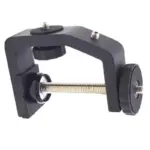
Clamp-on holders grip the desk edge or a shelf lip with a screw-tightened jaw. Manufacturer specs confirm most jaws open 1.5 to 2 inches, so check your panel thickness first.
They're strong, removable, and need no adhesive. The catch: they can dent thin steel edges and block a side panel if the carrel is narrow.
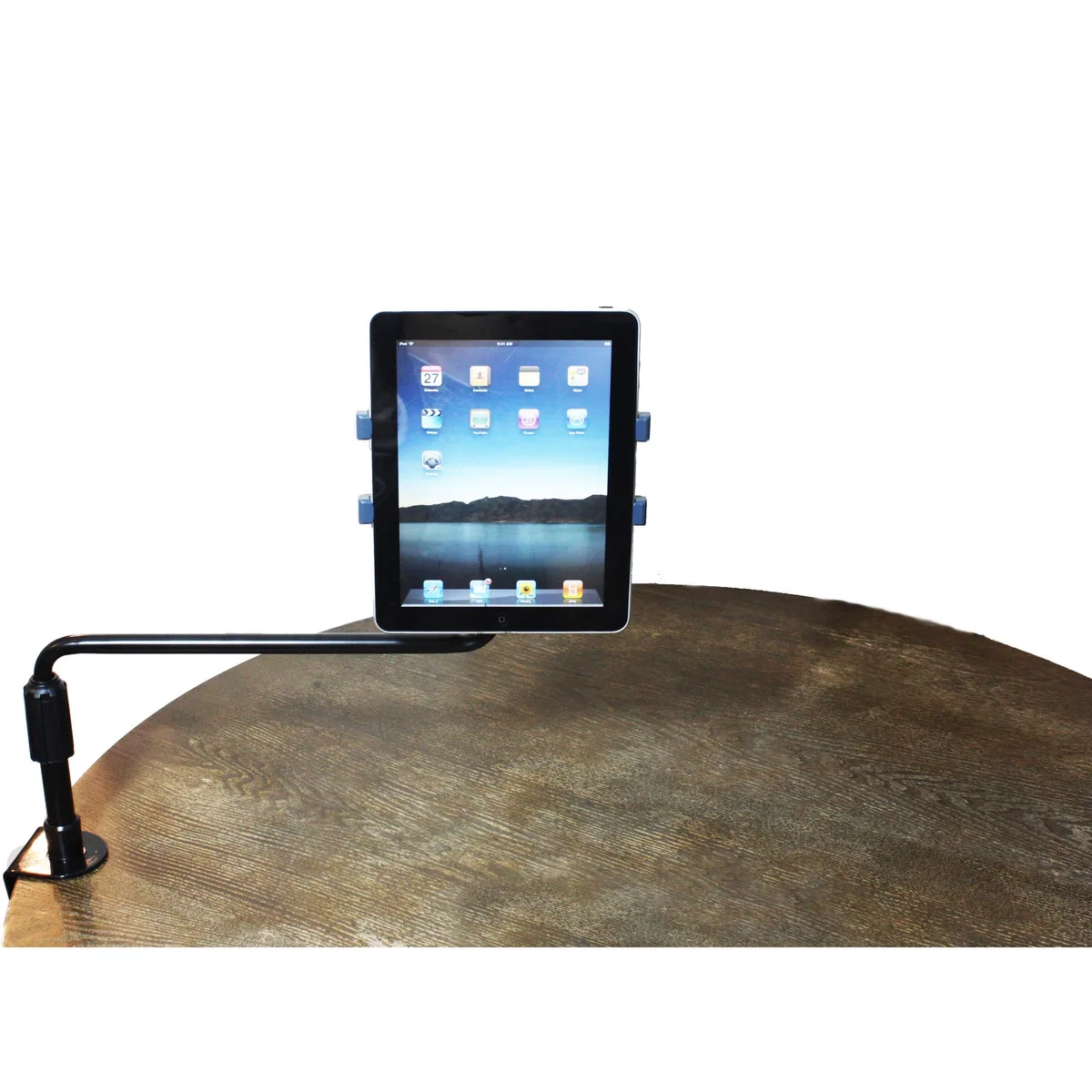
Image source: Bing (Web (fair-use with source credit))
Adhesive mounts (Command strips vs. 3M VHB)
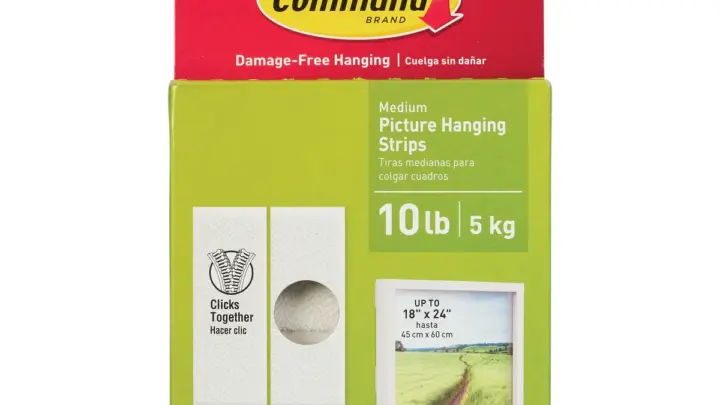
Command strips are removable and rated 1 to 16 pounds depending on size. They suit lightweight tablets and renters who need a clean exit.
3M VHB tape is permanent-grade. Per 3M's own data sheets, VHB reaches full bond strength after 72 hours. It holds more weight but can pull veneer on removal.
Magnetic mounts
Magnetic mounts need a ferrous surface and a magnetic backplate on the tablet. They're fast to attach and reposition.
They fail on aluminum, glass, and powder-coated steel. Heat near a sunny window also weakens neodymium hold over time.
Bolt-through and drill mounts
These are the strongest and the least carrel-friendly. A single bolt through a wood panel holds anything.
Most libraries and coworking spaces ban drilling outright. Only use this if you own the carrel or have written permission.
Mount Method Comparison: Side-by-Side
Use this table to match method to surface. The best mount is the one that fits your panel, not the one with the highest weight rating.
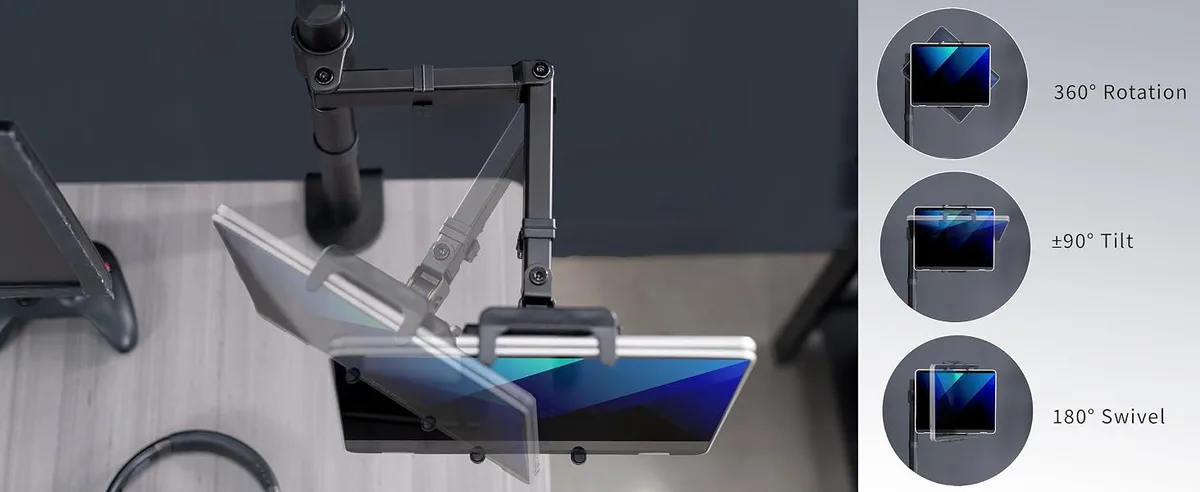
Image source: Bing (Web (fair-use with source credit))
| Mount Type | Best Surface | Typical Load | Damage Risk | Removal |
|---|---|---|---|---|
| Clamp-on | Desk edge, shelf lip | 2–5 lb | Low to medium | Easy |
| Command strips | Laminate, painted steel | 1–16 lb | Low | Clean |
| 3M VHB | Flat, smooth panels | 5–10 lb | Medium to high | Difficult |
| Magnetic | Bare ferrous steel | 1–3 lb | None | Instant |
| Bolt-through | Wood composite | 10+ lb | High | Permanent |
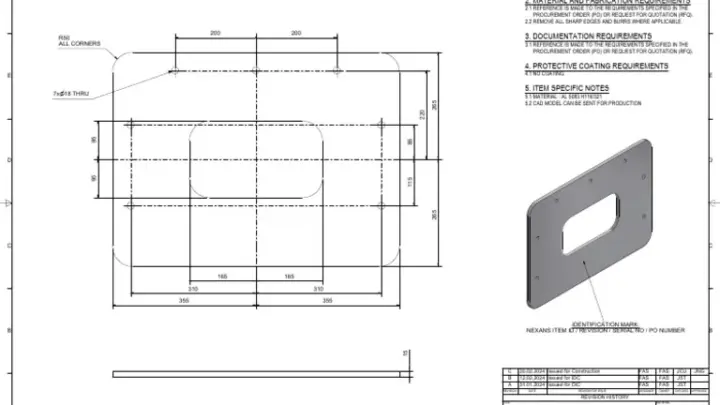
A quick note on standards: the VESA Flat Display Mounting Interface Standard defines common hole patterns like 75×75mm and 100×100mm. If your mount uses a VESA plate, check that pattern before assuming it fits your holder.
Step-by-Step Install: From Dry-Fit to Cable Cleanup
Dry-fit first, every time. Hold the mount in position with the tablet loaded before you commit adhesive or tighten anything. That five-second check catches clearance problems no measurement predicts.
Then follow this order:
- Clean the surface with isopropyl alcohol. Let it dry fully, about a minute.
- Mark your mount position with a pencil or painter's tape.
- Apply adhesive or clamp the jaw, then hold 30 to 60 seconds.
- For 3M VHB, wait 72 hours before loading the tablet.
- Route the charging cable along the panel with clips.
- Add 6 inches of slack so the cable never pulls.
- Adjust tilt to eye level and test wobble with the tablet attached.
How long should you wait before loading the tablet?
Wait the full cure time, not the "feels stuck" time. Command strips hold instantly at reduced strength. VHB reaches 50 percent in about 20 minutes and full bond in 72 hours.
Load early and the mount creeps. That slow slide is how adhesive fails a week later.
Mistakes That Cost You a Deposit (or a Tablet)
Most carrel failures trace back to four avoidable errors. Here's what goes wrong and how to dodge it.
- Skipping the dry-fit. The mount clears your tablet, but not the shelf above it.
- Loading adhesive too soon. See the 72-hour rule above.
- Overtightening a clamp on thin steel. The panel dents, and that's a damage charge.
- Ignoring heat. A sunny window weakens adhesive and magnetic hold over a semester.
- Blocking an outlet or reading light. You'll regret it at the first late-night study session.
A lightweight tablet hides weak mounting sins. A 12.9-inch iPad Pro at 1.5 pounds does not. Match your load to your method honestly.
FAQs
Will Command strips hold a tablet in a carrel?
Yes, for tablets up to about 2 pounds on a clean, smooth surface. Choose a strip rated well above your tablet's weight. Heavier tablets call for VHB or a clamp.
Can I mount a tablet holder without drilling?
Almost always, yes. Clamp-on and adhesive mounts need no holes. That's what makes them the default for library and institutional carrels.
What if my carrel shelf is very low?
Use a tabletop or low-profile mount. Articulating arms and goosenecks need 14 inches of clearance or more. Below that, they hit the shelf.
How do I remove VHB without damaging the panel?
Work dental floss or fishing line behind the mount in a sawing motion. Warm the adhesive with a hair dryer first. Then lift slowly.
Does humidity affect the adhesive?
It does. Humid rooms slow the cure and soften the bond over time. Clean and dry the surface thoroughly, then give VHB extra cure time in damp conditions.

Similar Posts