Fit a Large Ultrawide Monitor in a Study Carrel
Founder & Workspace Ergonomics Specialist at Desktop Carrel · Certified Professional Ergonomist (CPE), WELL Accredited Professional (WELL AP) · 13+ years testing acoustic privacy panels, modular carrels, and productivity workspace ergonomics
How to fit a large ultrawide monitor inside a study carrel comes down to three measurements, not luck. Most carrels are tighter than a monitor box suggests, and a 34-inch ultrawide is roughly 32 inches wide before you add the stand. Get the numbers wrong and you're returning the panel.
Here's the core problem. Library carrels were built for laptops and open books, not 21:9 panels. As of 2026, the VESA Flat Display Mounting Interface Standard still puts mounting holes at 75x75mm or 100x100mm on nearly every ultrawide.
That one detail is your escape hatch, provided the carrel walls cooperate.
how to fit a large ultrawide monitor inside a study carrel
Fit a large ultrawide in a carrel by removing the factory stand. Mount the panel on a low-profile VESA arm clamped to the rear lip. Measure interior width first.
A 34-inch ultrawide needs 32 inches of width. Overhead shelf clearance must clear the panel's top edge.
Measure Before You Buy: The Three Numbers That Decide Everything
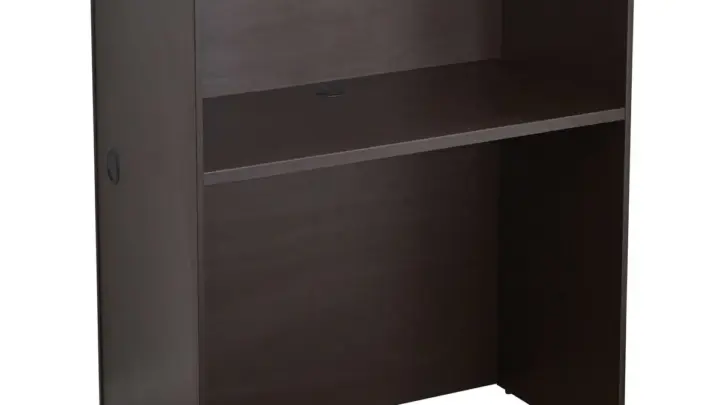
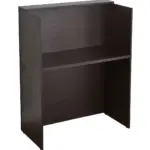
Measure three things before you spend a cent. Interior width between the side walls. Interior depth from the back wall to the front edge.
Shelf clearance from the desk surface to the underside of any overhead shelf.
Those three numbers overrule every spec sheet on the box. A carrel can be 42 inches wide and still fail if the shelf sits 19 inches off the desk and your panel is 20 inches tall. width, depth, and height all have to pass or the monitor doesn't live there.
What counts as a pass? For a 34-inch 21:9 panel you need at least 33 inches of width, 24 inches of depth, and 21 inches of vertical clearance once the panel is off its stand. Push to a 38-inch and you're at 35 inches wide minimum.
A 49-inch 32:9 is a non-starter in almost every standard carrel, since it runs about 47 inches across.
Depth is the sneaky one. Factory stands on big ultrawides eat 8 to 10 inches of desk depth. That's why arm-mounted panels feel like they doubled your desk.
The arm replaces that footprint with a 2 to 3 inch clamp at the rear.
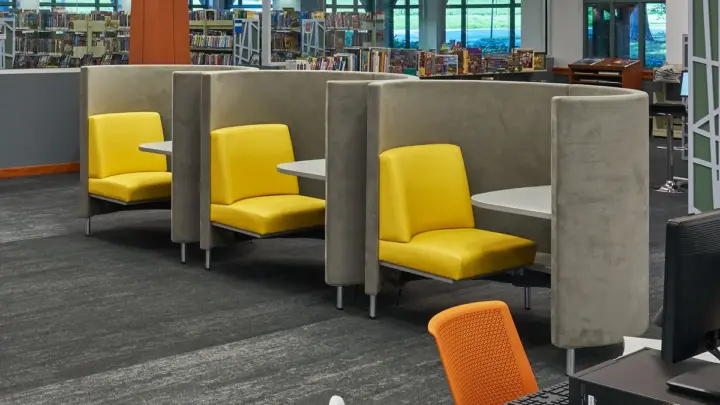
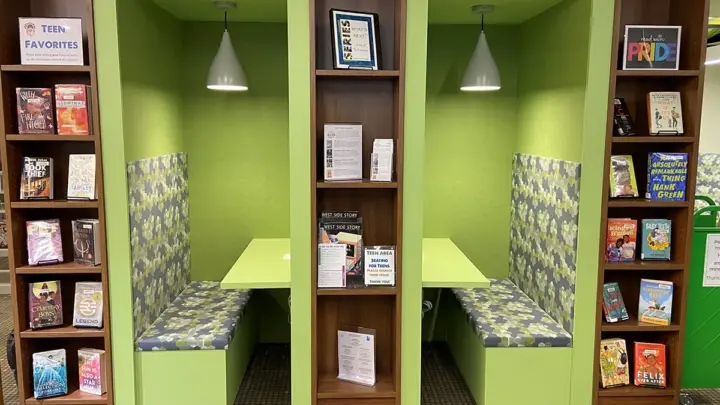
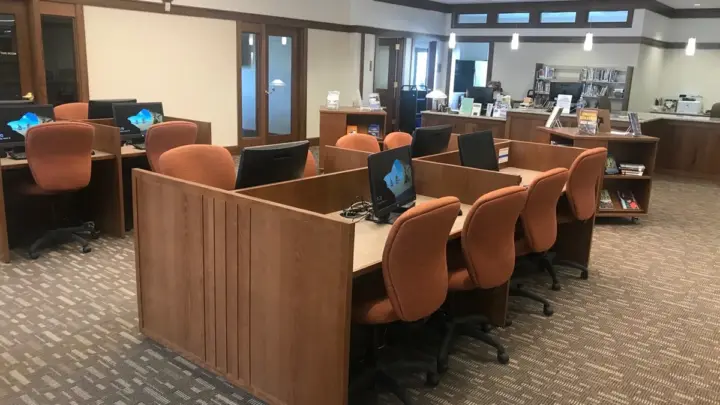
If you're measuring a US university carrel, expect 30 to 42 inches of interior width. UK study booths run narrower, often 28 to 36 inches, and many libraries ban permanent mounting outright. Public library carrels usually allow nothing that clamps or drills.
Check the policy before you measure anything else.
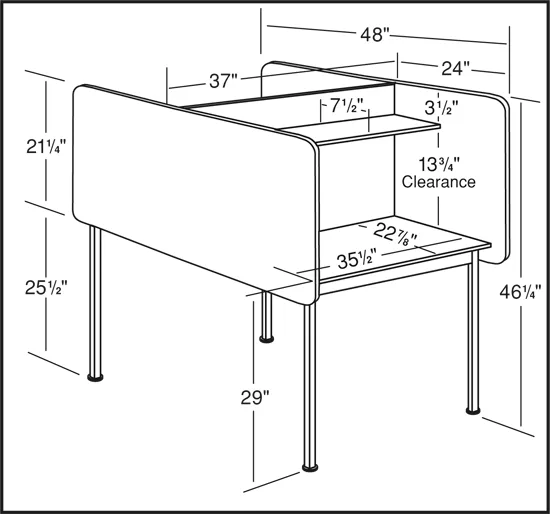
Image source: Bing (Web (fair-use with source credit))
Why Curved Panels Usually Fit Worse Than Flat Ones in a Carrel
Curved panels fit worse in carrels because the curve pushes the outer edges forward. On a 1800R panel, the left and right ends sit several inches closer to your face than the center. In a narrow box, that means the edges crowd your peripheral vision.
Flat panels keep a uniform plane. Curved ones wrap, which is great on an open desk and awkward in a carrel with angled side walls. If the carrel tapers inward, the curve and the taper fight each other.
There's a bigger issue. Curvature shortens the usable eye-to-screen distance at the edges. A 1000R curve is aggressive and pulls the sides forward hard.
A 3800R curve is gentle and behaves closer to flat. For carrel work, gentle curvature wins.
If your carrel has straight side walls and a shelf, a flat 34-inch is the safest bet. If the walls are already angled and you're set on curved, go with the gentlest radius you can find and test viewing distance first.
Where the Monitor Actually Goes: Arm, Stand, or Shelf
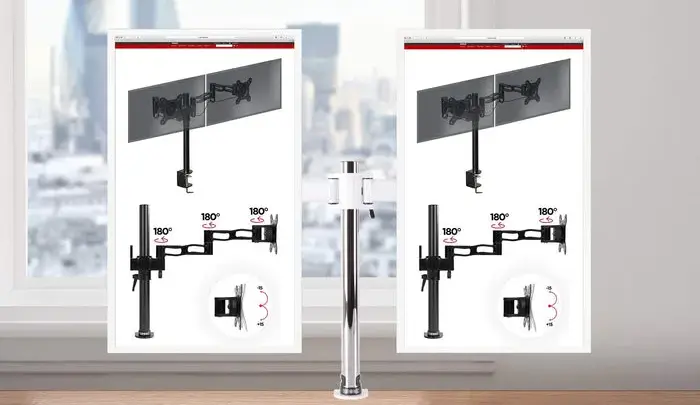
Where the monitor goes decides whether the whole plan works. A carrel gives you three realistic mounting spots. A rear clamp on a monitor arm.
A grommet through the desk surface. A freestanding VESA stand on the desktop.
The factory stand goes in the box, not on the desk. It's the single biggest space waster in a carrel.
Here's the if/then logic. If the carrel has a rear lip or modesty panel you can reach behind, use a clamp-style monitor arm. If the desk has a pre-drilled grommet, use a grommet mount (most libraries ban drilling new ones).
If neither exists, a freestanding VESA stand is your fallback, but it still eats desk depth.
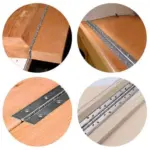
A single gas-spring arm rated for 8 to 20 pounds handles most 34-inch ultrawides. Check the clamp jaw range, which typically runs 0.4 to 2.4 inches. That jaw has to grip the actual thickness of your carrel lip, not a guess.
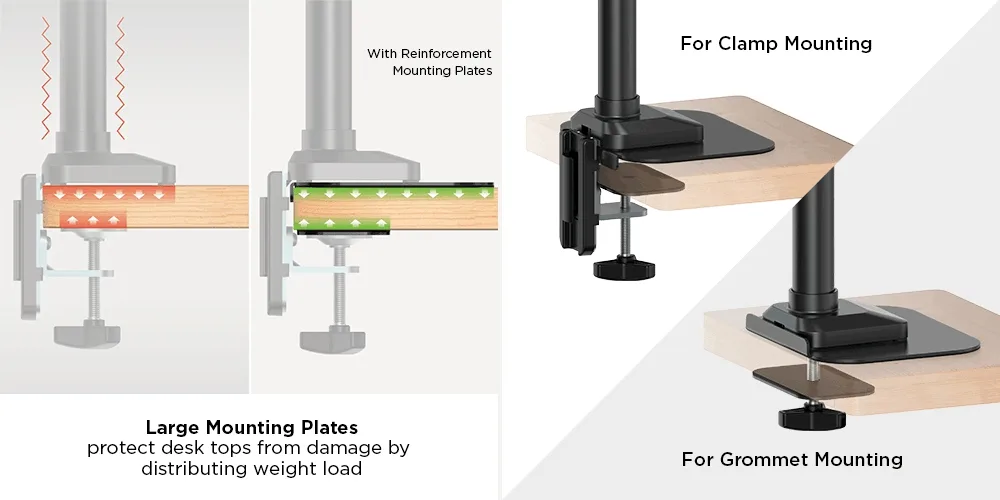
Image source: Bing (Web (fair-use with source credit))
The shelf is a trap. Some carrels have an overhead shelf you could rest a panel against, but most shelf load ratings are built for books, not a 12-pound screen. Don't hang a monitor off a shelf unless the furniture maker confirms the rating.
Step-by-Step: Mounting an Ultrawide in a Carrel Without Damaging It
Follow these steps in order. Skipping the first one is how people crack panels or lose carrel access.
- Confirm the carrel policy. Ask a librarian about clamps, grommets, and drilling. Get it in writing if you can.
- Measure width, depth, and shelf clearance. Write the numbers down.
- Check the VESA pattern on your monitor. Most ultrawides are 100x100mm. Some smaller ones are 75x75mm.
- Remove the factory stand. Lay the panel face-down on a soft towel.
- Attach the VESA plate and arm per the arm manufacturer's instructions.
- Set the clamp on the rear lip. Tighten until snug, not crushing. Damage the furniture and you're paying for it.
- Hang the panel and set arm tension for its weight.
- Route cables with right-angle adapters if the back wall is close.
- Set viewing distance to roughly 30 to 40 inches for a 34-inch panel.
- Test glare at different times of day before you commit to the position.
The cable step trips people up. A straight DisplayPort connector needs 2 to 3 inches of clearance behind the panel. A right-angle adapter cuts that to under an inch.
In a carrel with a solid back wall, that adapter is often the difference between fitting and not.
Carrel Sizes vs Monitor Sizes: What Fits Where
Match the monitor to the carrel before you buy. This table uses typical physical widths with the stand removed.
| Monitor size | Physical width | Min. carrel width | Typical carrel fit |
|---|---|---|---|
| 34" 21:9 | ~32 in | 33 in | Fits most |
| 38" 21:9 | ~35 in | 36 in | Fits wide carrels |
| 40" 21:9 | ~37 in | 38 in | Tight, check walls |
| 49" 32:9 | ~47 in | 48 in | Rarely fits |
A 34-inch ultrawide is the sweet spot. It clears a 42-inch carrel with room for a mouse, and it fits many 36-inch carrels if the side walls are straight. The 38-inch is doable in wide grad carrels but fails in narrow UK booths.
The 49-inch super ultrawide is a desk monitor, not a carrel monitor.
Don't forget the keyboard. You need at least 8 to 10 inches of depth in front of the panel for your hands. If the arm pushes the screen back to gain that space, recheck your viewing distance.
Too far and the whole point of a big screen evaporates.
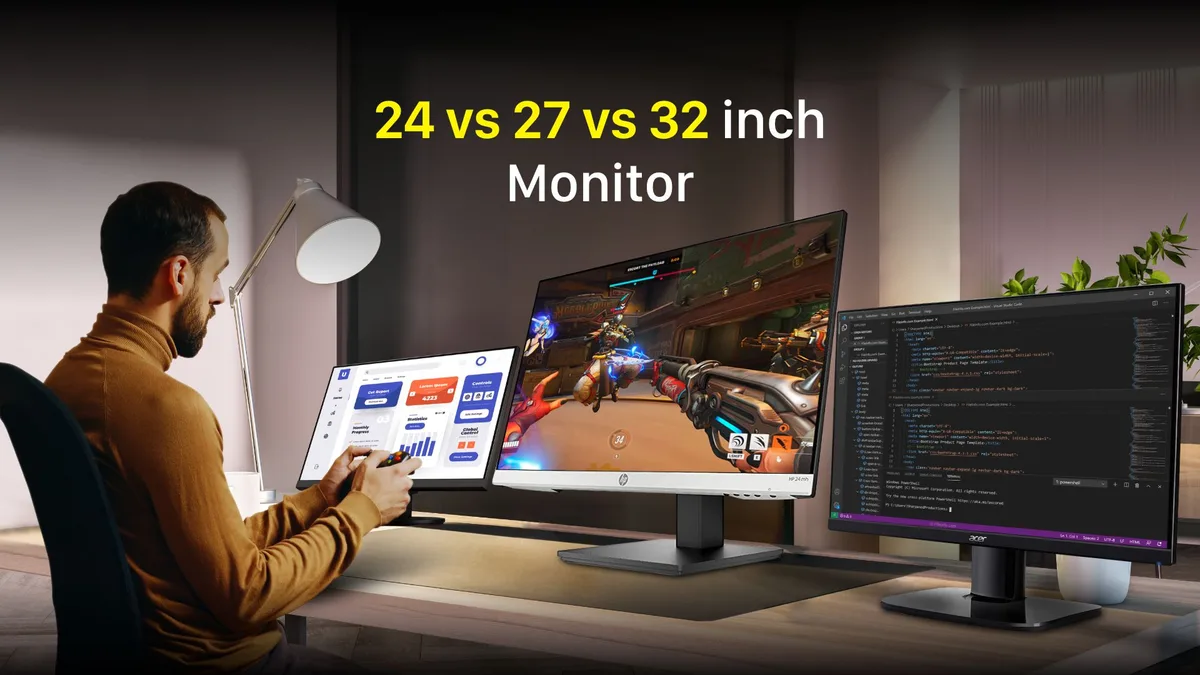
Image source: Web (Bing) / storage.googleapis.com (Web image (fair-use with source credit))
For ergonomic viewing distance and screen height guidance, the OSHA computer workstation checklist is a solid reference. It applies to carrels exactly as it applies to office desks.
Frequently Asked Questions
Will a 34-inch ultrawide fit in a standard library carrel?
Usually yes, if the carrel is at least 33 inches wide inside and the shelf sits 21 inches above the desk. Remove the factory stand and use a VESA arm. If the carrel is narrower than 33 inches, drop to a 29-inch ultrawide or a portable monitor.
Can I clamp a monitor arm to a library carrel?
Only with permission. Many libraries treat clamps as furniture damage. Ask first.
Grommet mounts and drilling are banned almost everywhere. A freestanding VESA stand is the safe fallback when clamps aren't allowed.
Do curved ultrawides fit worse than flat ones in a carrel?
Yes, generally. The curve pushes the outer edges forward, which crowds a narrow space. A flat panel keeps a uniform plane.
If you want curved, choose a gentle radius like 3800R rather than an aggressive 1000R.
How much desk depth do I need for an ultrawide in a carrel?
Aim for 24 inches of depth for the monitor, plus 8 to 10 inches for your keyboard. An arm-mounted panel needs far less desk footprint than a factory stand. That freed-up depth is the main reason arms work so well in tight carrels.
What's the biggest ultrawide that fits in a study carrel?
A 38-inch 21:9 is the realistic ceiling, and only in carrels 36 inches wide or more. A 49-inch 32:9 runs about 47 inches across and almost never fits. For most carrels, a 34-inch is the practical maximum.
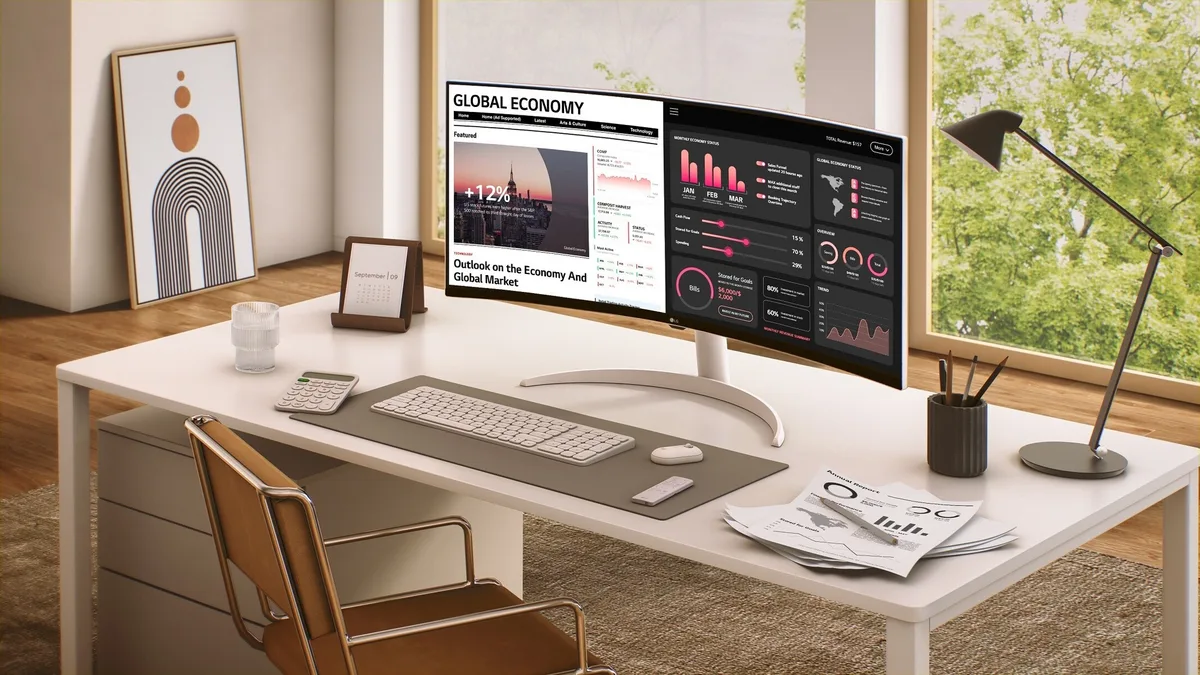
Image source: Bing (Web (fair-use with source credit))

Similar Posts