How to Stop Glare on Acrylic Desktop Carrel Panels
Founder & Workspace Ergonomics Specialist at Desktop Carrel · Certified Professional Ergonomist (CPE), WELL Accredited Professional (WELL AP) · 13+ years testing acoustic privacy panels, modular carrels, and productivity workspace ergonomics
If that reflection on your acrylic carrel is parking itself right over your screen or page, you're in the right place. Learning how to stop glare on acrylic desktop carrel panels isn't about one magic fix. It's about finding where the light is coming from, then killing the reflection at its source.
Glossy acrylic makes that problem worse than glass in some setups.
Acrylic has a refractive index around 1.49, confirmed in manufacturer technical data sheets and standards like ASTM D1003 for haze and light transmission. Clear acrylic also transmits roughly 92% of light, which means its surface reflects a lot of it back at your eyes. That math is why the same panel can blind one person and behave for another.
The fix starts with a diagnosis.
how to stop glare on acrylic desktop carrel panels
Match the fix to the glare source. Block or diffuse the light coming from behind you first. Then apply anti-glare film, switch to matte acrylic, or add polarization to the panel itself.
Reposition your screen or lamp before spending any money. Test with a glossy card to confirm the hot spot is gone.
Why Acrylic Carrels Glare So Badly (and Why One Fix Never Works for Everyone)
Acrylic creates glare through three separate mechanisms, and that's the whole problem in one sentence. Surface reflection bounces light straight off the face. Edge piping channels light through the clear rim so it glows along the border.
Adjacent panels throw bounce light sideways into your sightline. Fix one and the other two keep working against you.
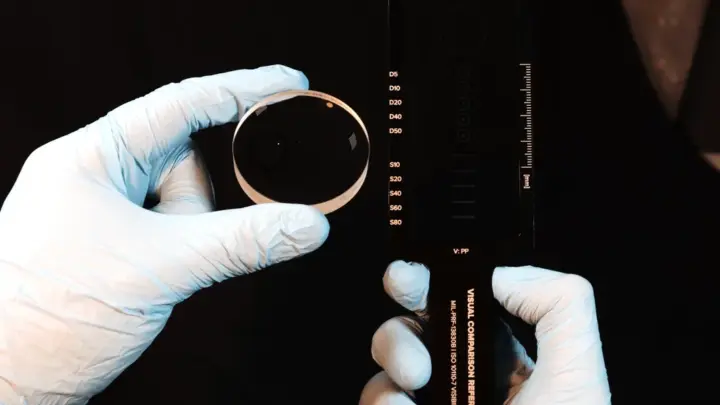
That's why "just add matte film" so often disappoints. Manufacturer specifications indicate clear acrylic runs about 1% haze while matte grades jump to 30% or higher. Haze scatters light and softens the reflection, but it doesn't remove the source.
If a ceiling fixture is the culprit, the matte panel just glows instead of spotting.
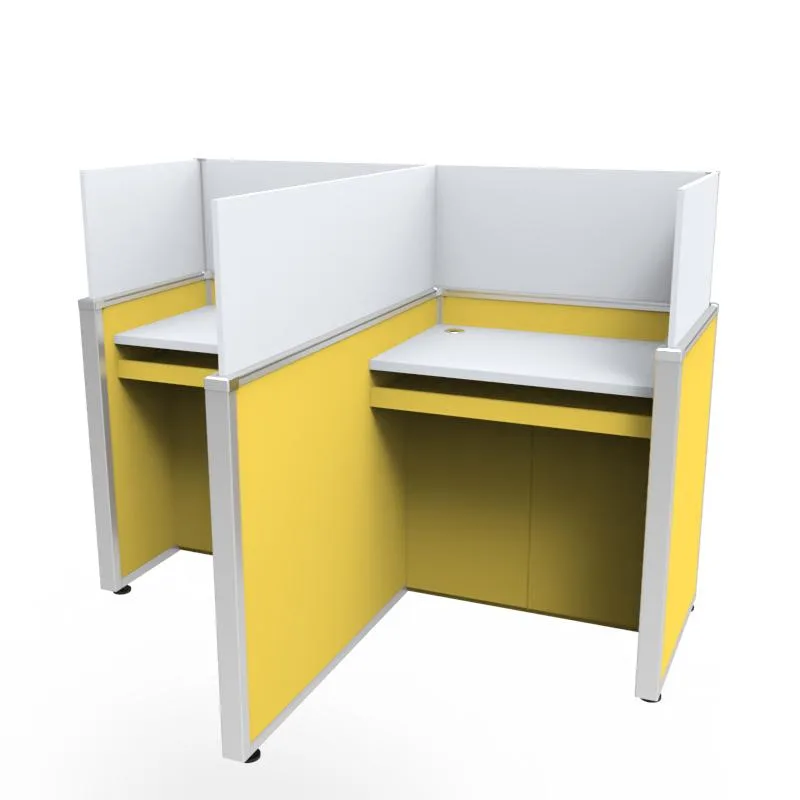
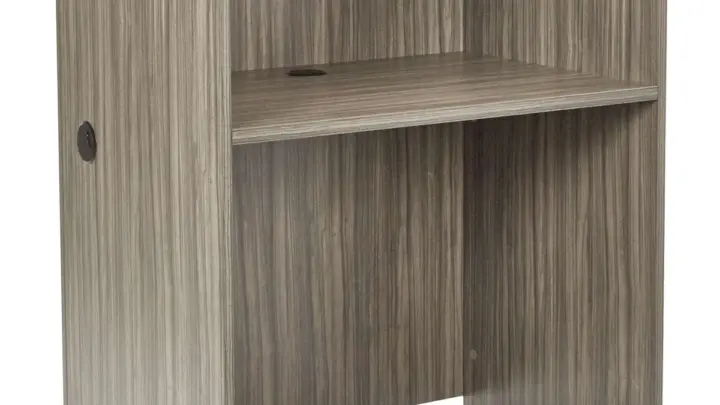
Image source: Web (Bing) / made-in-china.com (Web image (fair-use with source credit))
Your own behavior matters here too. Long sessions at a fixed desk mean your eye never escapes the reflection. A hot spot you'd ignore for five minutes becomes a headache after an hour.
The decision guide below walks you through the branches so you stop guessing.
Find Your Glare Type Before You Buy Anything
Diagnose the source first. A glare probe, which is just a glossy card or a phone screen held flat, tells you exactly where the light is coming from. Walk it around the panel and watch for the brightest band.
That band is your target.
If glare comes from behind you, it's window or backlight glare. If it sits above and in front, it's a ceiling-fixture hot spot. If it creeps in from the side, it's bounce off an adjacent panel.
If it rings the panel rim, it's edge piping. Each branch has its own fix.
Behind You: Window and Backlight Glare
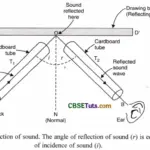
Light behind the user hits the panel face and reflects straight back into your eyes. Tilt the panel a few degrees so the reflected beam lands below your sightline. Add a blind or curtain behind you, or move the desk off the window axis.
This is the cheapest win in the whole guide.
Above You: Ceiling Fixture Hot Spots
A direct overhead light creates a bright specular reflection, often called a hot spot. A diffuser or louver panel over the fixture spreads the beam and softens the reflection. You can also angle the panel slightly forward so the reflection drops toward your lap instead of your face.
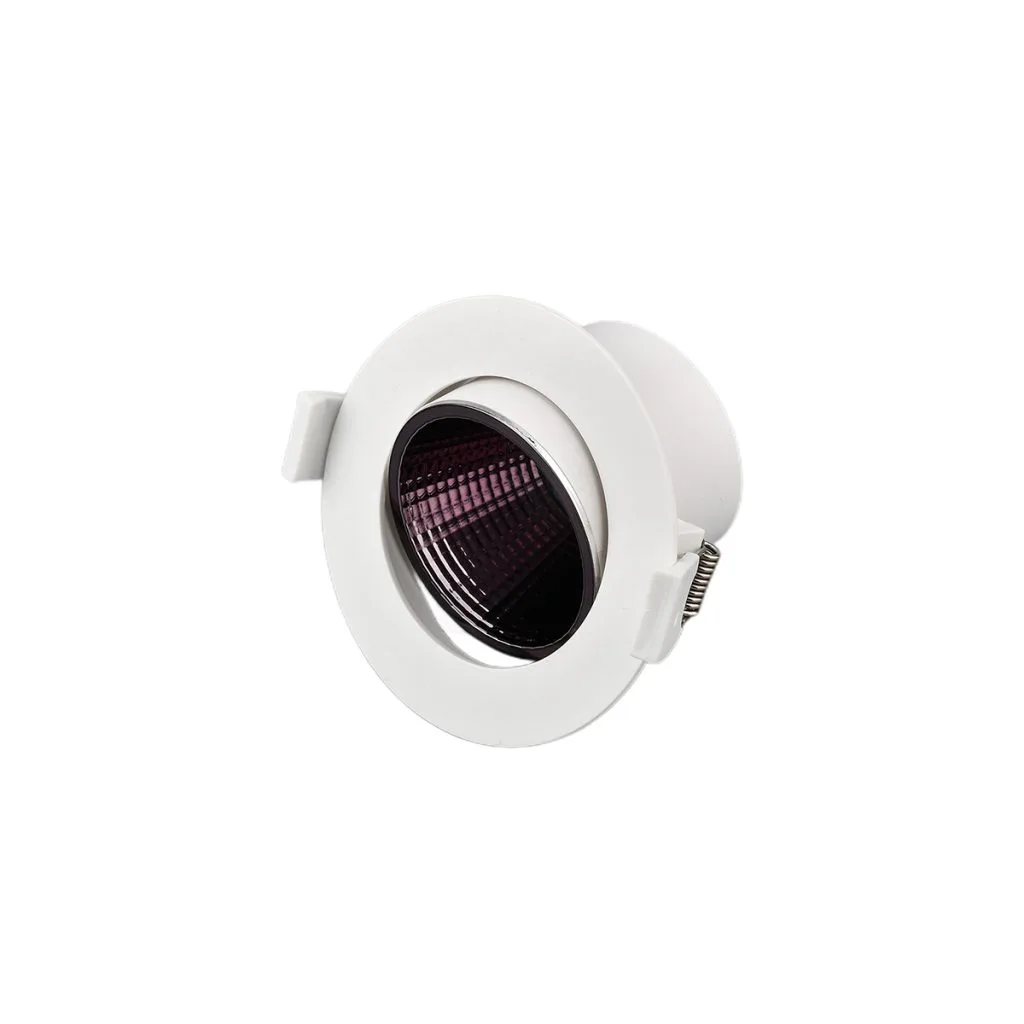
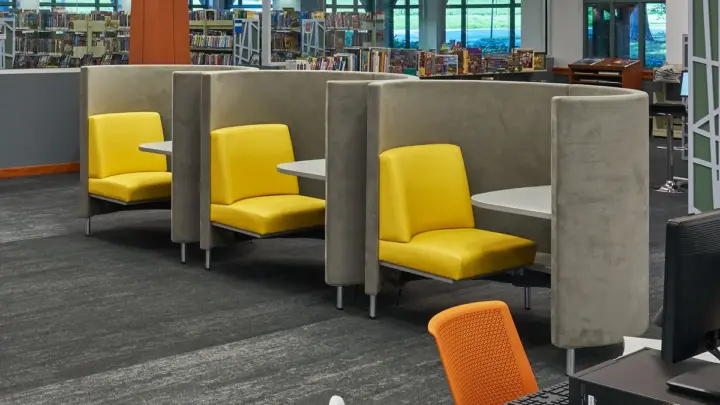
Image source: Bing (Web (fair-use with source credit))
Beside You: Adjacent Panel Bounce
Neighboring panels act like mirrors aimed sideways. Move the adjacent panel a few inches, or add a small gap at the shared edge to break the bounce path. A short felt strip along the shared edge absorbs some of that side light too.
At the Edge: Acrylic Light Piping
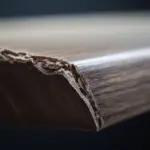
Clear acrylic edges carry light like a fiber-optic strand. Rotate the panel so the glowing edge sits outside your field of view. If rotation isn't possible, cap the edge with an opaque trim or tape strip.
This kills the rim glow without touching the panel face.
The Decision Path: Match Your Glare Type to the Right Fix
Here's the if/then logic in plain terms. If the source is behind you, shield the source. If it's overhead, diffuse the fixture.
If it's beside you, break the bounce. If it's at the edge, cap or rotate. Only after those fail do you spend money on the panel itself.
Work in this order:
- Zero-cost fixes, reposition, tilt, reangle, or move the desk.
- Source-side fixes, diffusers, louvers, blinds, or a screen hood.
- Panel-side fixes, anti-glare film, matte acrylic, or polarization.
- Replacement, a new non-glare panel when nothing else holds.
Zero-Cost Fixes First (Reposition, Tilt, Reangle)
Tilt the panel 5 to 10 degrees and recheck with your probe. Slide your chair or monitor a few inches off axis. Swap the desk lamp to the opposite side.
None of this costs a thing, and one of them often solves the whole problem.
Source-Side Fixes: Diffusers, Louvers, and Blinds
A parabolic louver or prismatic lens over a fixture spreads the beam and cuts the hot spot. Blinds or a sheer curtain handle the window branch. Per ANSI/IES RP-1 office lighting practice, controlling the fixture is usually more effective than treating the surface it reflects off.
Panel-Side Fixes: AR Film, Matte Acrylic, Polarization
Anti-reflective film cuts surface reflection at the face. Matte acrylic replaces the glossy sheet with a scattering one. Polarized film kills specular reflection when the reflected light is polarized.
Each targets a different mechanism, so match the fix to the branch you diagnosed.
When to Replace the Panel Outright
If the panel is scratched, crazed, or deeply glossy and every film attempt has bubbled, replacement wins. A non-glare acrylic sheet in the same thickness solves the surface branch permanently. Pick this branch only after the cheap fixes have failed.
Comparing Your Panel-Side Options: Film vs. Matte vs. Polarized vs. New Panel
Each option suits a different person. Film fits anyone who wants a reversible, low-cost fix on an existing panel. Matte acrylic suits a fresh install where you're buying the sheet anyway.
Polarized film suits setups with a specific polarized reflection. A new panel suits damaged or permanently glossy carrels.
| Option | Best for | Trade-off | Relative cost |
|---|---|---|---|
| Anti-glare film | Reversible fix on a good panel | Bubbles, peeling, residue | Low |
| Matte acrylic | New installs and clean builds | Reduces clarity and light transmission | Medium |
| Polarized film | Polarized reflections | Narrow effectiveness | Low to medium |
| New non-glare panel | Scratched or crazed panels | Highest upfront cost | High |
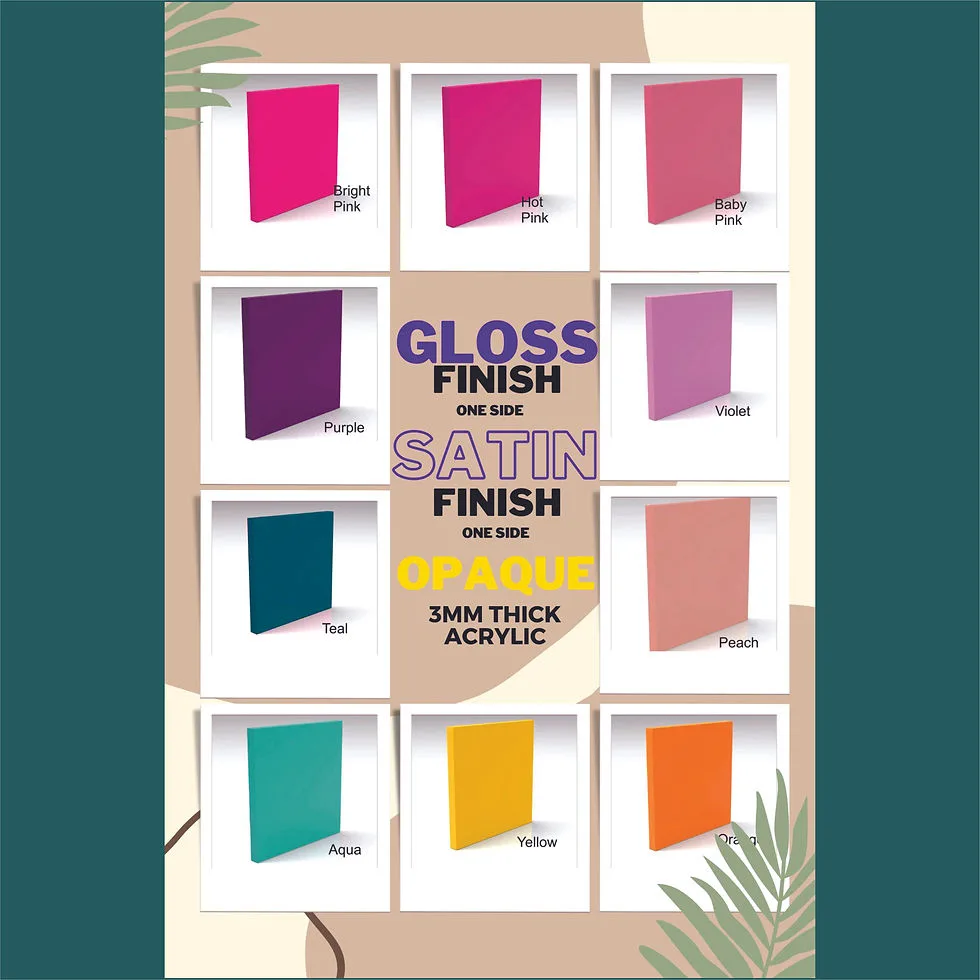
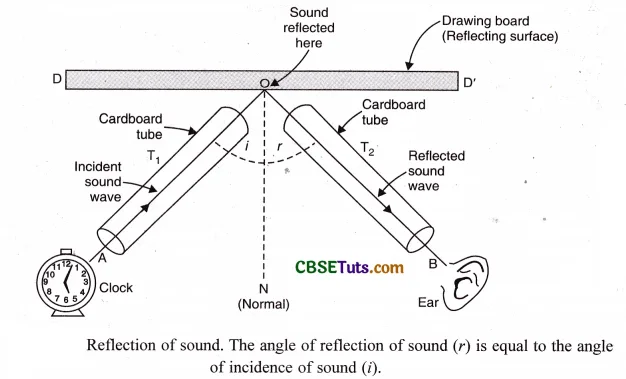
Image source: Web (Bing) / clarkecraftsupplies.co.nz (Web image (fair-use with source credit))
Notice the clarity column. Matte acrylic drops light transmission into the 70 to 85% range depending on haze level. That's the price you pay for scattering.
Film keeps more clarity but adds a maintenance layer. Neither is universally better, so let your glare branch decide.
Step-by-Step: Installing Anti-Glare Film Without Bubbles or Wasted Sheets
Clean the panel first. Dust, fingerprints, and static-charged particles all create bubbles under film. Use a lint-free cloth and an acrylic-safe cleaner, then wipe dry.
Work wet for large sheets. Mix a few drops of dish soap in a spray bottle of water. Spray both the panel and the adhesive side of the film.
Lay the film on the wet surface and slide it into position. The slip solution lets you reposition it before it grabs. Squeegee from the center outward to push water and air to the edges.
Wrap a felt-edged squeegee in a soft cloth to avoid scratching the film. Work in overlapping strokes, pressing out bubbles as you go. Small water pockets usually dry out within 24 to 48 hours.
Trim the edges with a sharp blade once the film has settled. For curved or rimmed carrels, cut relief slits at the corners so the film wraps without tenting. Skip this step and the corners lift within days.
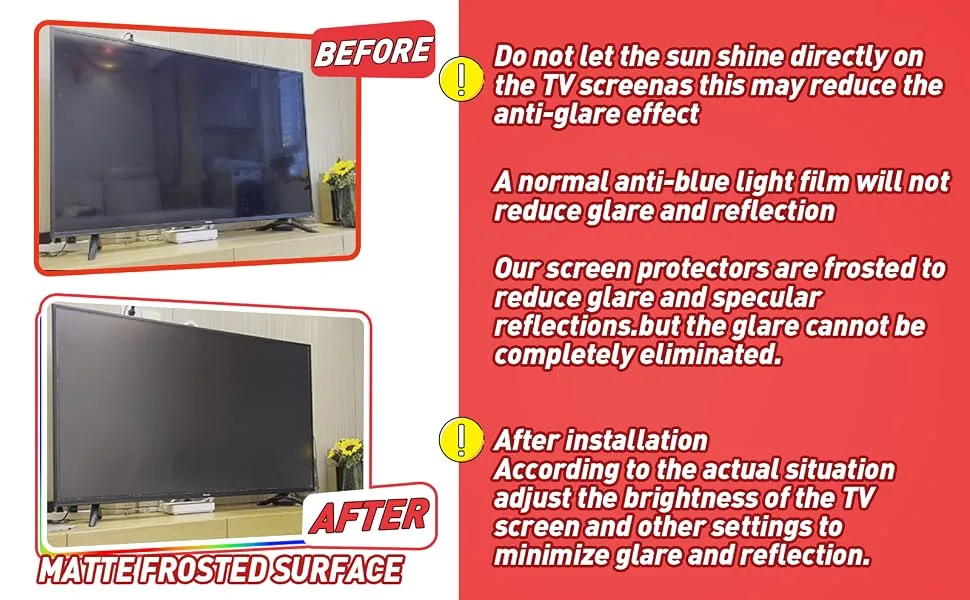
Image source: Bing (Web (fair-use with source credit))
If a bubble won't budge, don't press harder. Prick it with a pin and re-squeegee. Large trapped pockets mean you didn't use enough slip solution.
Mistakes That Make Glare Worse (and How to Avoid Them)
Applying film to the wrong face is the biggest error. Film on the back of the panel does nothing for the reflection hitting the front. Check the film's instructions for which side faces you.
Cleaning with ammonia or alcohol-heavy products is another trap. Those chemicals craze acrylic over time, leaving a permanent cloudy web. Use only cleaners labeled safe for acrylic.
Over-matteing trades one problem for another. A panel with 70% haze can look dirty even when it's clean. It also drops light transmission enough to dull the whole carrel.
Wrong-Side Application and Adhesive Failure
Film applied to the wrong face reflects instead of absorbs. You'll know within a minute because the hot spot stays put. If the adhesive can't grip a textured surface, it peels at the corners.
Match the film type to the panel finish before you buy.
Cleaners That Craze Acrylic and Kill Clarity
Crazing shows up as fine hairline cracks inside the acrylic. It's permanent and it makes glare worse because the surface scatters unpredictably. Stick to warm water, a drop of mild soap, and a microfiber cloth.
Dry immediately to avoid water spots.
Over-Matteing That Trades Glare for a Dirty Look
Aggregate reviews report that heavy matte films often read as smudged. A light 30% haze film usually cuts the hot spot without dulling the view. Test a small offcut against your screen before committing the whole panel.
Costs, Specs, and What You Actually Need to Know Before Buying
You can spend almost nothing or a few hundred dollars per panel. That range is why diagnosis matters more than buying. Start cheap and escalate only when the branch demands it.
Relative costs break down like this:
| Fix | Upfront cost | Reversible |
|---|---|---|
| Reposition or tilt | None | Yes |
| Diffuser or louver | Low | Yes |
| Anti-glare film | Low to medium | Partly |
| Matte acrylic sheet | Medium | No |
| New non-glare panel | High | No |
Haze percentage is the number to watch. Clear acrylic sits near 1% haze. Matte grades run from 30% up to 70%.
More haze equals more scatter, which softens glare but also softens everything else.
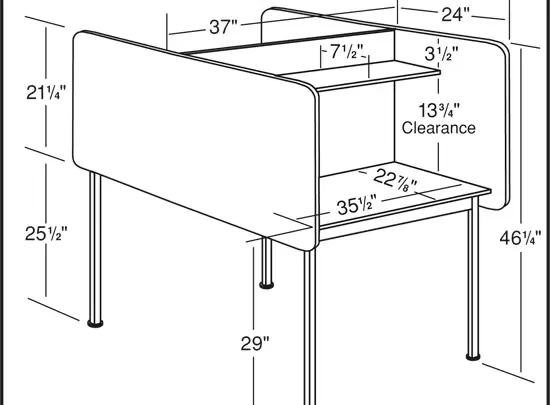
Thickness matters for fit. Most carrel panels run 1/8-inch, 3/16-inch, or 1/4-inch. Measure before ordering a replacement, because a sheet that's too thick won't seat in the frame.
Keeping Glare Away Long-Term: Cleaning, Lighting Changes, and Seasonal Checks
Recheck your setup every time the lighting changes. A bulb swap, a new desk lamp, or a moved monitor can undo a fix that worked for months. Keep your glare probe handy and run it again after any change.
Seasonal sun angle shifts catch people off guard. Low winter sun hits horizontally and creates glare that never shows up in summer. If your desk faces a window, expect a different problem each season.
Clean acrylic gently and often. Dust build-up on a matte panel scatters light and looks worse than the original glare. A weekly wipe with a microfiber cloth and mild soap keeps the surface honest.
Static is the quiet enemy. Acrylic holds a charge that pulls dust into your sightline. A quick wipe with an anti-static cloth after cleaning cuts that pull.
Don't rub hard, because friction builds the charge back up.
Frequently Asked Questions
Does anti-glare film actually work on clear acrylic?
Yes, within limits. Anti-glare film cuts surface reflection at the face it's applied to. It won't fix a hot spot coming from behind you or an edge-glowing panel.
Match the film to the glare branch you diagnosed first.
Can I use glass cleaner on acrylic carrel panels?
No. Ammonia and alcohol in glass cleaners craze acrylic over time. Crazing is permanent and makes glare worse.
Use warm water with a drop of mild soap and a microfiber cloth instead.
Is matte acrylic better than clear acrylic with film?
It depends on your setup. Matte acrylic is cleaner for new builds and won't peel. Film suits an existing panel you don't want to replace.
Film keeps more clarity, but matte lasts longer without maintenance.
Why does my carrel panel still glow at the edges?
That's light piping through the clear acrylic rim. Rotate the panel so the bright edge sits outside your view. If it won't rotate, cap the edge with opaque trim.
Film on the face won't touch this problem.
How long does it take for anti-glare film to fully cure?
Most water-based film installations settle and dry within 24 to 48 hours. Small trapped moisture pockets disappear in that window as the water evaporates. Larger bubbles won't cure out, so prick and re-squeegee those early.
Do I need to replace the whole panel to fix glare?
Only as a last resort. Repositioning, diffusers, and film solve most glare cases for a fraction of the cost. Replace the panel if it's scratched, crazed, or permanently glossy and every cheaper branch has failed.
Your Glare-Fix Decision Guide: A One-Page Walkthrough
Run the branches in order. Hold a glossy card flat against the panel and watch where the brightest band lands. That band tells you which fix to reach for first.
If glare comes from behind you, shield the source with a blind or curtain. If it's overhead, diffuse the fixture or tilt the panel forward. If it's from the side, break the bounce with a small gap or felt strip.
If it's glowing at the rim, rotate or cap the edge.
Only escalate to panel treatments when those branches fail. Film suits a good panel you want to keep. Matte acrylic suits a fresh build.
Polarization suits a specific polarized reflection. Replace the panel last.
Clean with acrylic-safe products, recheck after every lighting change, and probe again when the seasons shift. That's the whole loop. Diagnose, fix cheap, escalate only if you must.
Most carrels never need a new panel.

Similar Posts