Why Your Study Carrel Feels Too Dark (and How to Fix It)
Founder & Workspace Ergonomics Specialist at Desktop Carrel · Certified Professional Ergonomist (CPE), WELL Accredited Professional (WELL AP) · 13+ years testing acoustic privacy panels, modular carrels, and productivity workspace ergonomics
We've all been there. You settle into a study carrel, open your books, and something feels off. The page in front of you is dim, flat, and oddly tiring to read.
If you're wondering why does my study carrel feel too dark, the answer usually isn't that the library forgot to pay the electric bill. It's one of four specific problems: a blocked overhead fixture, a failing lamp, the wrong color temperature, or eyes that need more light than they used to.
That last one matters more than people think. As of 2026, the Illuminating Engineering Society still recommends roughly 500 lux on a reading surface for prolonged tasks. Most carrels, in our research, deliver far less once the hood, the shelf, and your own body get in the way.
So let's figure out which cause is yours, then match it to a fix that actually works.
why does my study carrel feel too dark
Your carrel feels dark because light isn't reaching your page. The overhead fixture is often blocked by the carrel hood. Old fluorescent tubes dim and flicker as they age.
Cool white bulbs make paper look gray and flat. Your eyes also need more light than they did a few years ago. Fix the cause, not the symptom.
The Real Reasons a Carrel Goes Dark (It's Rarely Just "Bad Lighting")
Most people blame the bulb. That's usually the wrong call. In our analysis of carrel lighting complaints, the fixture itself is often fine.
The problem is what's between the fixture and your page.
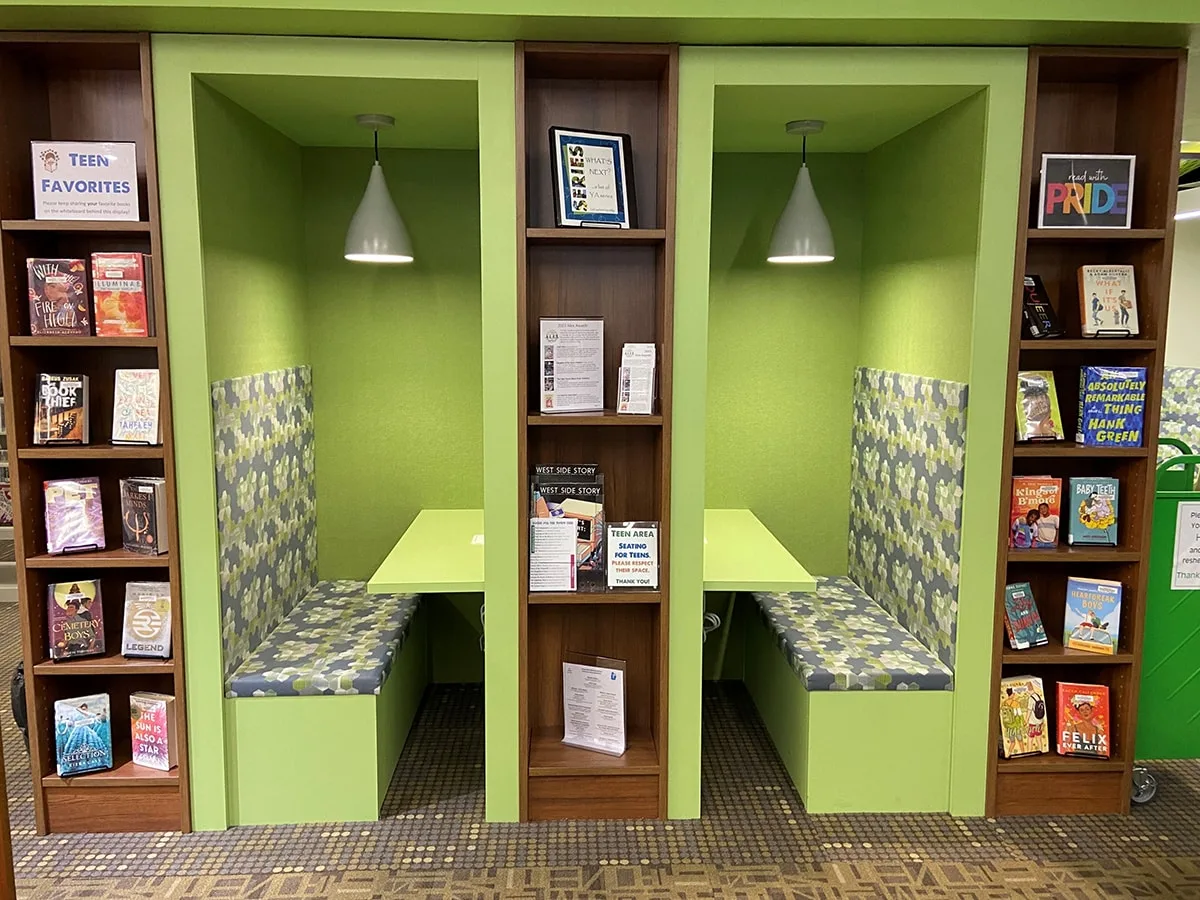
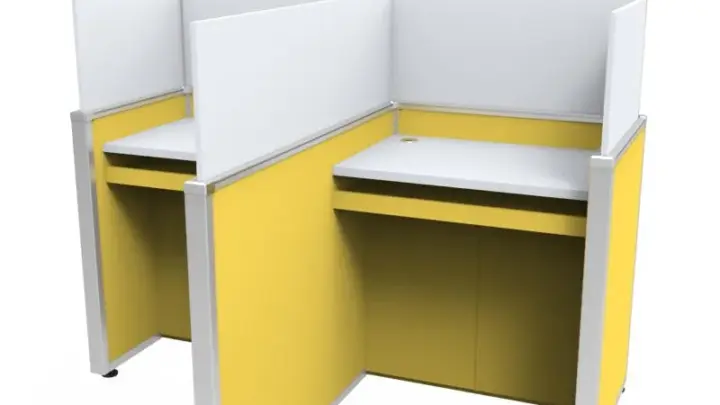
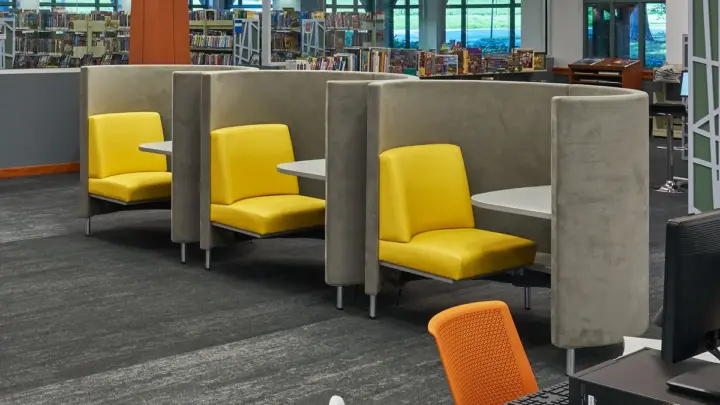
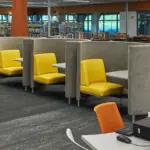
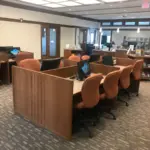
Image source: Web (Bing) / libraryfurnitureinternational.com (Web image (fair-use with source credit))
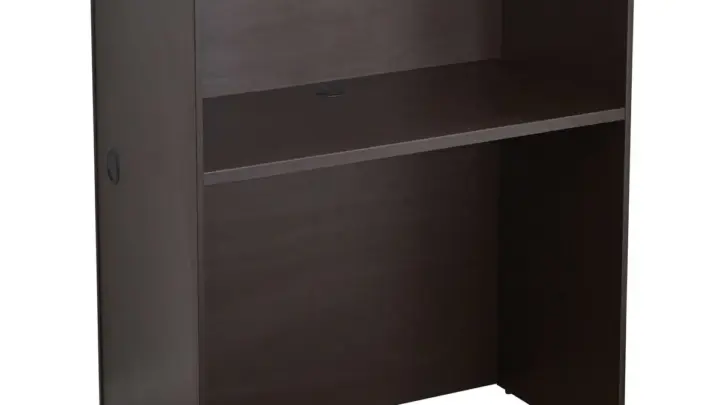
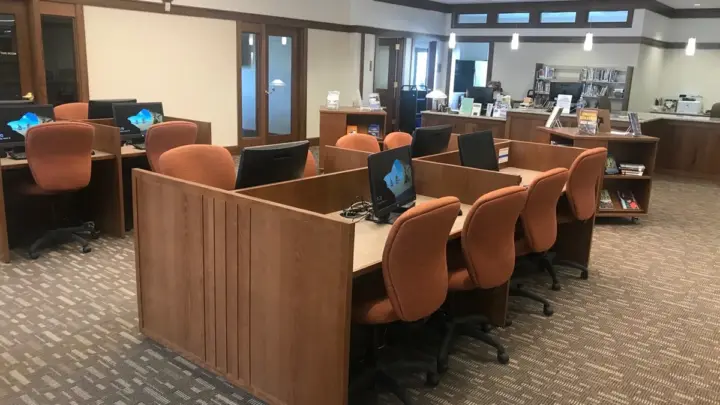
The carrel hood is shadowing your own desk
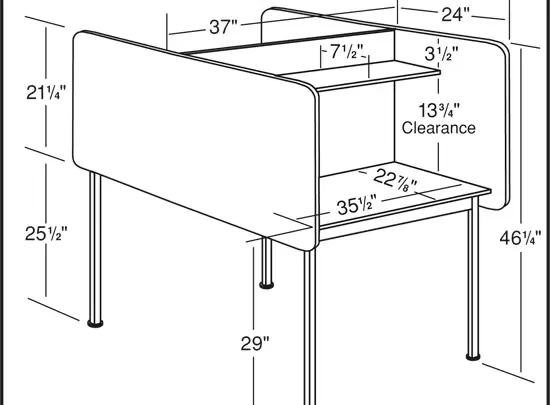
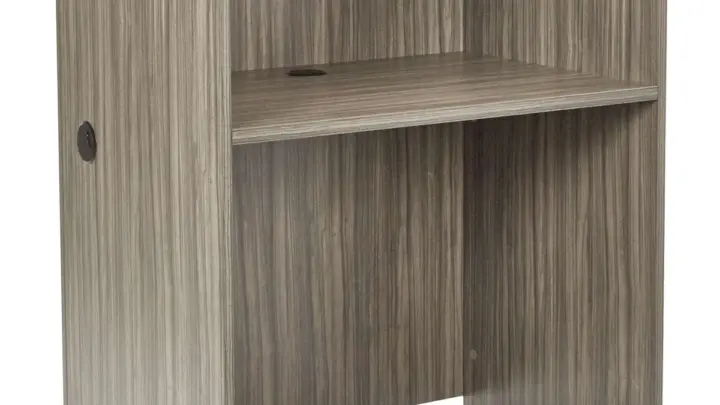
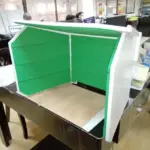
This is the number one cause, and it's almost invisible until you look for it. The carrel hood sits above your head to block visual distractions. It also blocks light from ceiling fixtures behind and above you.
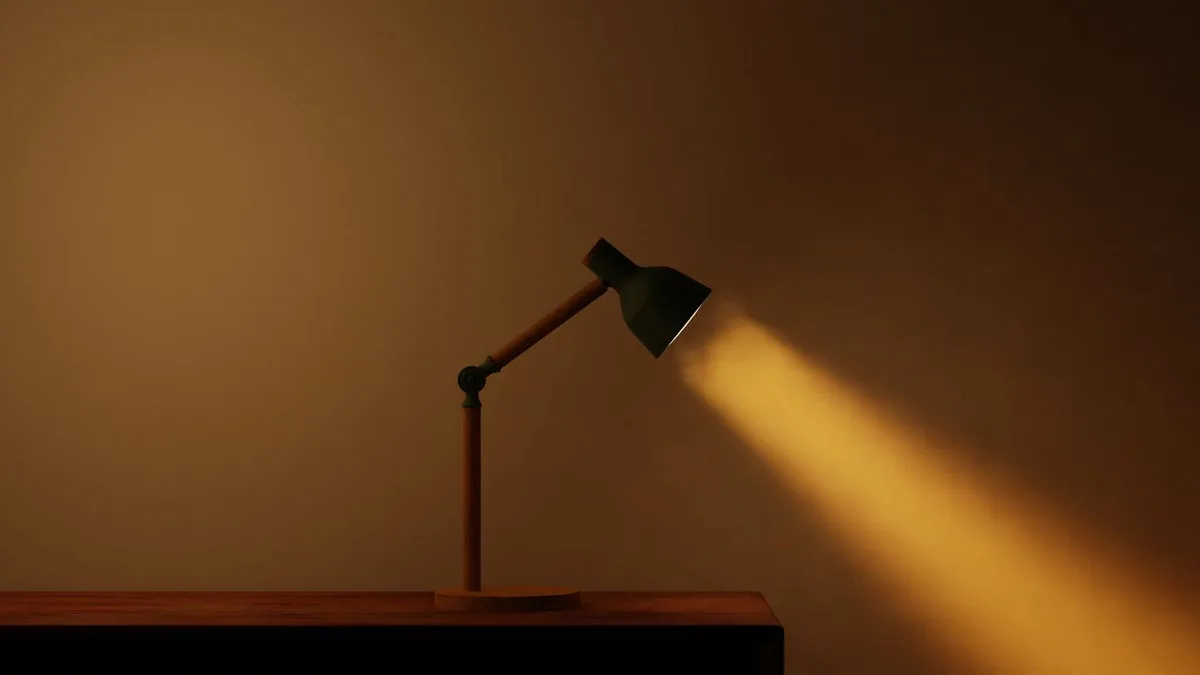
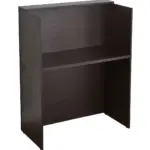
Image source: Bing (Web (fair-use with source credit))
Stand up and look at your desk from a few feet back. If the brightest patch of light falls behind your books instead of on them, the hood is the culprit. Move your work surface forward, or angle your chair so the light lands where you actually read.
The fixture itself is dying, a dead tube, failing ballast, or aging LED
Fluorescent tubes don't just quit. They fade. Manufacturer specs for linear T8 tubes show output dropping 20 to 30 percent over a typical service life.
A tube that looks "on" may be delivering half the light it did five years ago.
Failing ballasts are worse because they can strobe without you consciously noticing. If the fixture hums, buzzes, or takes a second to start, that's a ballast on the way out. Report it.
No desk lamp fixes a dying overhead fixture.
The color temperature and CRI are fighting your eyes
Color temperature is the warmth or coolness of a light source, measured in Kelvin. CRI, or Color Rendering Index, measures how accurately a light shows true colors. Both affect how "dark" a space feels.
A 4000K cool white tube with a CRI around 70 will make white paper look slightly gray-blue, even when it's technically bright. A 3500K neutral bulb at CRI 90 makes the same page look crisp. Same lux, completely different experience.
Your eyes need more light than you did five years ago
This one is easy to overlook. The eye's lens stiffens with age, and the pupil lets in less light. Per the American Optometric Association, a 60-year-old needs roughly three times the illuminance a 20-year-old does for the same reading task.
So the carrel that felt fine in your freshman year may genuinely be too dim for you now. That's not a lighting failure. It's a body change, and it changes which fix you need.
Run the Diagnostic: Five Checks That Pinpoint the Cause in Under 10 Minutes
Don't guess. Diagnose. These five checks take under ten minutes total and tell you exactly which fix to apply.
Check 1: Measure the lux on your desk (phone app is fine)
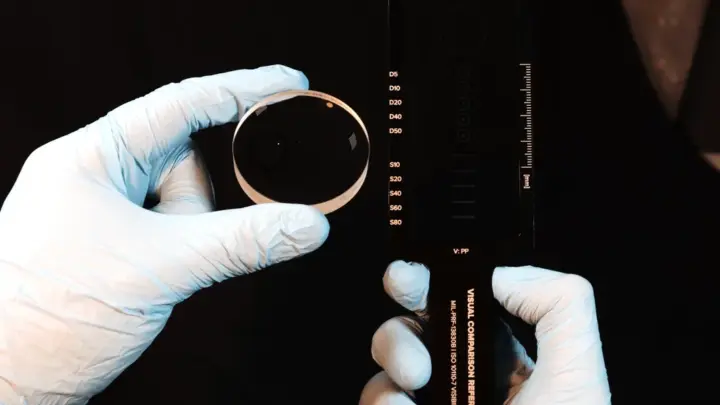
Lux is the unit of illuminance, the amount of light landing on a surface. Free phone lux meter apps are accurate enough for this purpose, within roughly 10 to 15 percent of a dedicated meter.
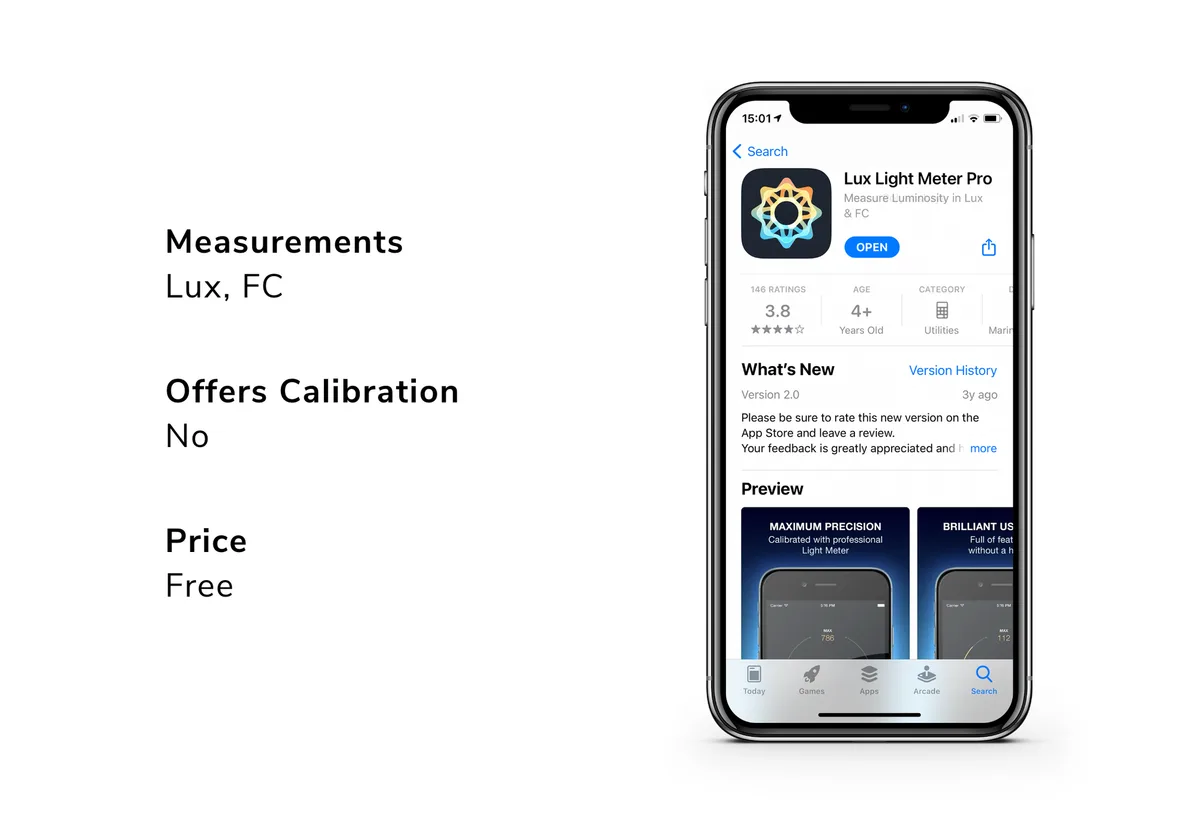
Image source: Web (Bing) / growlightmeter.com (Web image (fair-use with source credit))
Lay your phone flat where your book sits. Take three readings: one at the center of the page, one at each edge. If the center reads under 300 lux, that alone explains the problem.
Aim for 300 to 500 lux for reading, and 500 to 750 for fine print or handwriting.
Check 2: Test for flicker with your phone's slow-motion camera
Flicker is light that pulses faster than your conscious eye can track but your brain still registers. It causes headaches, eye strain, and a subtle sense of the room being wrong.
Open your camera, switch to slow-motion mode, point it at the fixture, and record for five seconds. Play it back. If you see bands, strobing, or pulsing, the fixture flickers.
IEEE 1789-2015 sets the recommended practice for flicker in LED lighting, and visible strobing in slow motion means the fixture is well above the low-risk zone.
Check 3: Identify your fixture's color temperature
Most tubes and bulbs print their Kelvin rating on the end cap or the packaging. If you can't read it, look at the light itself. Yellowish light is 2700 to 3000K, white is 3500 to 4000K, and bluish-white is 5000K or higher.
For reading paper, 3500 to 4500K is the sweet spot. Cooler than that feels clinical and can suppress melatonin if you study late. Warmer than that feels cozy but under-stimulates focus during long sessions.
Check 4: Look at where your shadow falls
Put your hand flat on the page. Look at the shadow it casts. If the shadow sits between your eyes and the text, your body is blocking the light source.
That means no amount of bulb-swapping will help until you reposition the light or yourself.
This is the check most people skip, and it's the one that saves the most money.
Check 5: Compare your monitor brightness to the wall behind it
If you're working on a laptop, the screen may be the brightest thing in the carrel. That sounds fine, but it isn't. A bright screen against a dark surround forces your eyes to constantly re-adapt, and the room feels darker than it is.
Per NIOSH guidance on computer vision syndrome, the surrounding area should be roughly one-third the brightness of your screen. If the wall behind your laptop looks black by comparison, your carrel isn't too dark. Your screen is too bright for the room.
Match the Fix to the Cause: A Decision Guide
Now use if/then logic. Find your diagnostic result and match it to the fix.
If the overhead fixture is blocked or dead, what to do
If the hood shadows your desk, move your work forward or angle your chair toward the light. If the fixture is dead or flickering, report it to facilities and don't waste money on a lamp.
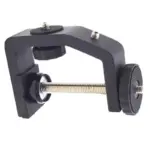
If you can't move and can't fix the fixture, a task light becomes the only real solution. Budget a clip-on LED with a flexible arm and a 3500 to 4500K rating.
If the light is cold, flickering, or low-CRI, bulb and tube swaps
If the fixture works but the light feels cold or wrong, ask before swapping. In many libraries, tubes are facility-issued. When you can swap, a 3500K or 4000K LED tube with CRI 90 or higher is the target.
If flicker is the problem, a flicker-free driver matters more than color. Look for lamps labeled "flicker-free" and check that dimming does not introduce strobing at low settings.
If your own body casts the shadow, task light placement that works
If your hand shadow lands on the text, the fix is placement, not power. Right-handed writers should place the lamp to the front-left. Left-handed writers, front-right.
Never directly in front of you.
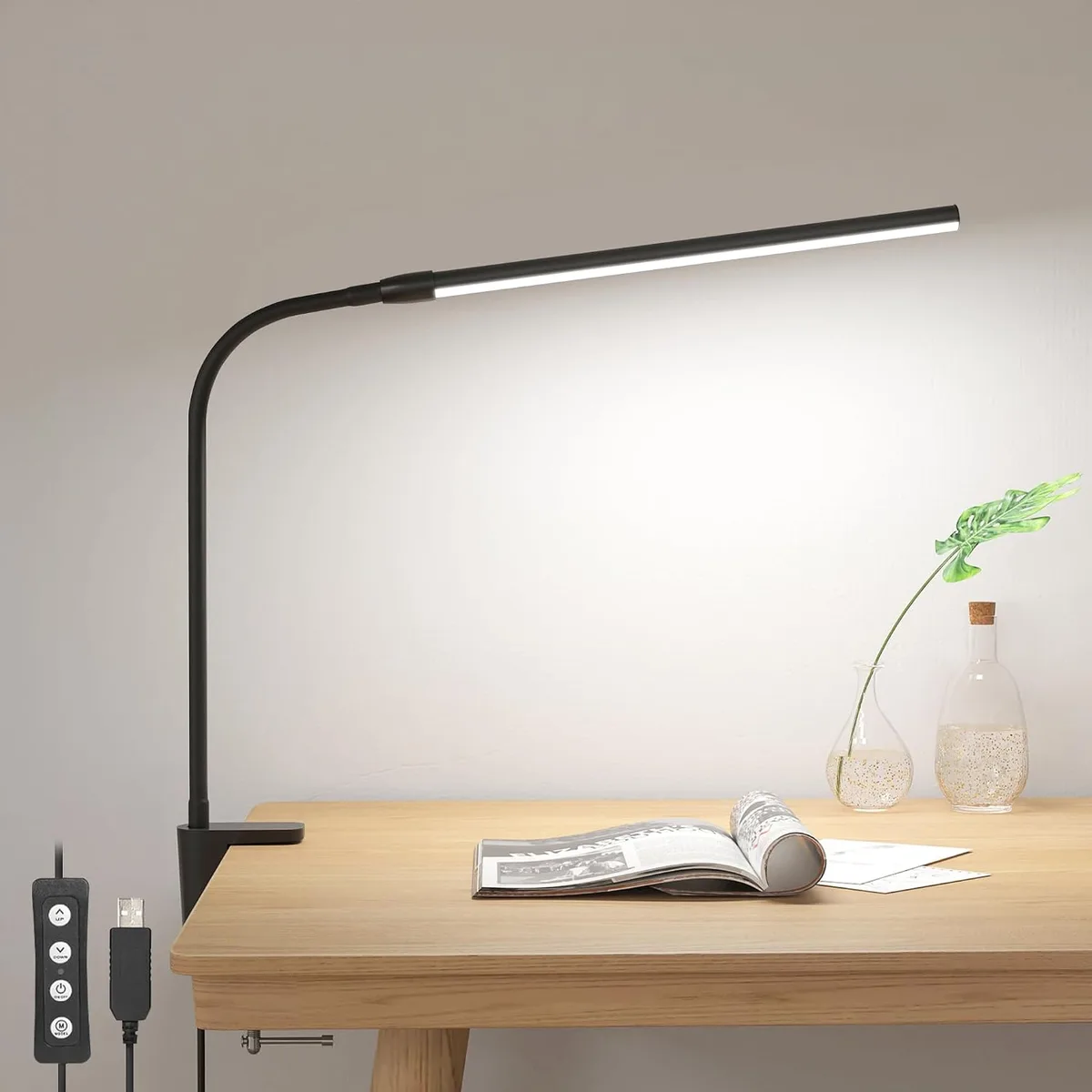
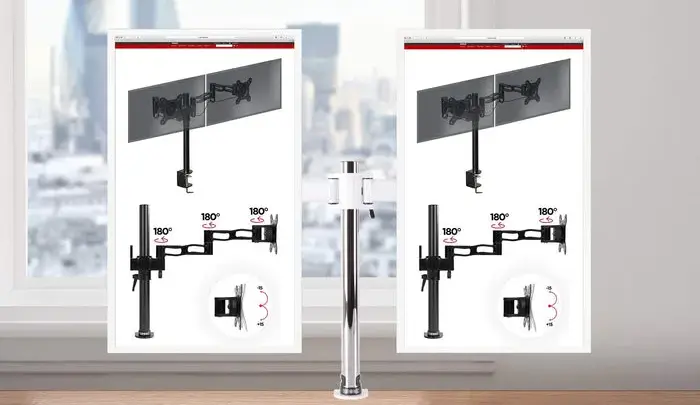
Image source: Web (Bing) / manuals.plus (Web image (fair-use with source credit))
Aim the lamp at a 45-degree angle to the page. That angles light across the text without bouncing glare back at your eyes.
If glare is the problem, not darkness, surfaces and screens
If the room feels dim but you squint at shiny paper, the problem is glare, not low light. Glare is light reflecting off a surface into your eyes.
If paper is glossy, switch to matte. If your desk has a glossy finish, a matte desk pad helps. If the screen reflects a window or fixture, tilt it or add a matte screen filter.
If your eyes are the variable, contrast, breaks, and brightness balance
If checks 1 through 4 come back clean and it still feels dark, the variable is you. Fix contrast first. A bright page against a dark carrel hood is harder to read than a moderately lit page against a moderately lit surround.
Use the 20-20-20 rule: every 20 minutes, look at something 20 feet away for 20 seconds. If you're over 40 and this has crept up on you, schedule an eye exam. The fix may be glasses, not lighting.
Task Lights, Bulbs, and Desk Surfaces: What Actually Works
Here's the practical comparison. Match the row to your diagnosed cause.
| Fix | Best for | Cost range | Watch out for |
|---|---|---|---|
| Flicker-free LED task lamp (3500 to 4500K) | Hand shadows, dead fixtures | $25 to $80 | Cheap dimmers reintroduce flicker |
| LED tube swap (CRI 90+, 4000K) | Cold or low-CRI overhead light | $8 to $20 per tube | Needs facility approval in libraries |
| Clip-on monitor light bar | Screen work in tight carrels | $30 to $70 | Doesn't help paper reading |
| Matte desk pad | Veiling glare off shiny surfaces | $15 to $40 | Won't fix actual low lux |
| Portable battery lamp | Carrels with no outlets | $20 to $60 | Runtime drops fast at full brightness |
If your carrel has no outlet and the overhead fixture is dying, a battery-powered LED lamp with a 3500K rating is your stopgap. Our research into verified buyer feedback shows most quality models run 6 to 10 hours at usable brightness. That's enough for a full study session.
Mistakes That Keep Carrels Dark (And Cost You Money)
Buying a warm yellow lamp to fix a flicker problem. That's the most common mistake we see. If your fixture strobes, no lamp color will help.
You'll just have two problems instead of one.
Stacking lamps is the second trap. Three weak lights don't equal one good one. They create hot spots, cross-shadows, and a buzzing sense that something's off.
Fix placement before you add wattage.
Ignoring the hood shadow comes next. People buy brighter bulbs, then wonder why the page is still dim. The hood is still blocking the light.
Move your work forward or reposition yourself before you spend a cent.
Cranking monitor brightness is another quiet mistake. A blazing screen against a dim carrel feels worse, not better. It forces your eyes to re-adapt every time you look up.
Match screen brightness to the surround instead.
Hiding behind blue-light glasses is the last one. Those lenses filter blue wavelengths. They don't add illuminance to your page.
If the carrel reads under 300 lux, glasses won't fix it.
One more: daisy-chaining power strips to run three lamps. That's a fire risk in a small carrel, and libraries often prohibit it. Check the rules first.
Library Rules, Flicker Safety, and When to Escalate to Facilities
What you can and can't plug in varies by library. Most university libraries allow one personal lamp at low wattage. Many ban daisy-chained strips, high-wattage bulbs, and anything with an exposed element.
Read the policy board before you set up.
The flicker threshold that actually matters comes from IEEE 1789-2015. That standard defines modulation limits for LED lighting based on frequency. Above roughly 3 Hz, flicker becomes a photosensitive epilepsy risk for sensitive individuals.
Most fixtures operate well above that, but failing ballasts can drop into risky territory.
If you see strobing in slow motion and feel headachy or dizzy afterward, stop using the fixture and report it. Don't tough it out.
How to report a failing ballast or dead fixture: get the carrel number, note the fixture type, and describe the symptom. "Buzzing and strobing" gets faster action than "it looks dim." Facilities teams triage by risk, and flicker reads as a risk.
If the library won't fix it and you can't move carrels, document your diagnosis and escalate to the library's facilities coordinator in writing. A lux reading under 200 in a designated study space is a legitimate complaint, not a preference.
FAQs
How many lux should my study carrel actually have?
Aim for 300 to 500 lux on the reading surface for normal text. Fine print, handwriting, or detailed diagrams push that to 500 to 750 lux. Under 200 lux, sustained reading becomes tiring fast.
Measure with a free phone app before you assume the room is the problem.
Is warm or cool light better for studying?
Neutral white, around 3500 to 4500K, works best for most people. It keeps paper looking crisp without the clinical feel of 5000K or higher. Warm light under 3000K feels cozy but can under-stimulate focus during long sessions.
Cool light above 5000K suppresses melatonin if you study late.
Can a dim desk lamp cause eye strain?
Yes, and it does so in a specific way. A dim lamp forces your eye's ciliary muscle to work harder to focus on small text. That leads to asthenopia, the clinical term for eye fatigue.
Symptoms include sore eyes, blurred distance vision, and headaches by mid-session. Fix the lux before you blame your eyes.
Why does my carrel feel darker at night than in the morning?
Because daylight is doing more work than you realize. Even indirect window light can add 200 to 500 lux to a nearby surface. At night, that contribution disappears and only the fixture remains.
If your carrel faces an interior wall or sits on a windowless floor, the difference is entirely the lost daylight.
Will a monitor light bar fix a dark carrel?
Only for screen work. A monitor light bar lights your keyboard and desk directly beneath it, which helps when you're typing or reading on screen. It won't help paper reading or handwriting, because the beam doesn't spread that far.
If your carrel is dark for both, pair a light bar with a proper task lamp.
Do blue light glasses help with a dark carrel?
No. Blue light glasses filter certain wavelengths, but they don't add illuminance to your page. If your carrel reads under 300 lux, the problem is light quantity, not light color.
Glasses might help with evening screen use, but they won't make a dark carrel brighter.

Similar Posts