Prevent Eye Strain at Close Carrel Walls: 7 Fixes
Founder & Workspace Ergonomics Specialist at Desktop Carrel · Certified Professional Ergonomist (CPE), WELL Accredited Professional (WELL AP) · 13+ years testing acoustic privacy panels, modular carrels, and productivity workspace ergonomics
how to prevent eye strain when staring at close carrel walls comes down to three levers: push your viewing distance out, add real distance breaks, and keep your tear film alive. Carrel walls cap how far your eyes can travel, so you have to work around that limit instead of fighting it. Most people just push through.
That's the mistake.
The average person blinks around 15 to 20 times a minute at rest. Focused reading drops that to roughly 7. That's a documented shift, not a guess.
When you add a fixed close-focus distance and no place to look, your ciliary muscle never gets to relax. Here's what's actually going on, and what to do about it.
how to prevent eye strain when staring at close carrel walls
Set your screen or page at least 20 inches from your eyes. Take a 20-second break every 20 minutes and look at something far away. Blink fully and often.
Match your light to your task. Get your vision checked at least once a year.
What's Actually Happening to Your Eyes at Close Focus
Staring at anything 16 inches away forces two systems to work at once. Your ciliary muscle contracts to keep the image sharp. Your eye muscles converge inward to keep it single.
Both hold that position for hours in a carrel.
Accommodative fatigue is the name for what follows. It's muscular tiredness in the eye, not damage. The symptoms show up as blur, ache, and a heavy feeling behind the eyes around hour three or four.
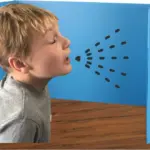
Blinking is the other half of the story. When you blink, you spread a fresh tear film across the cornea. When you stop blinking, that film breaks up and evaporates.
Dry patches form. Your eyes sting and water at the same time.
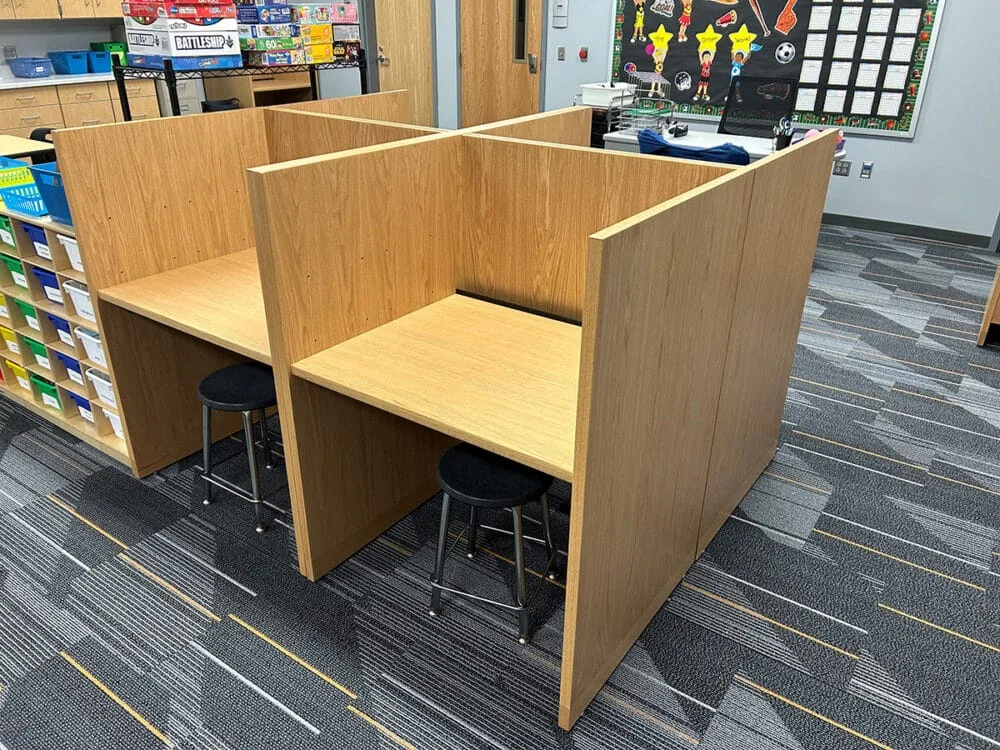
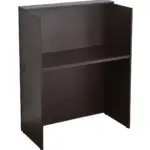
Image source: Web (Bing) / libraryfurnitureinternational.com (Web image (fair-use with source credit))
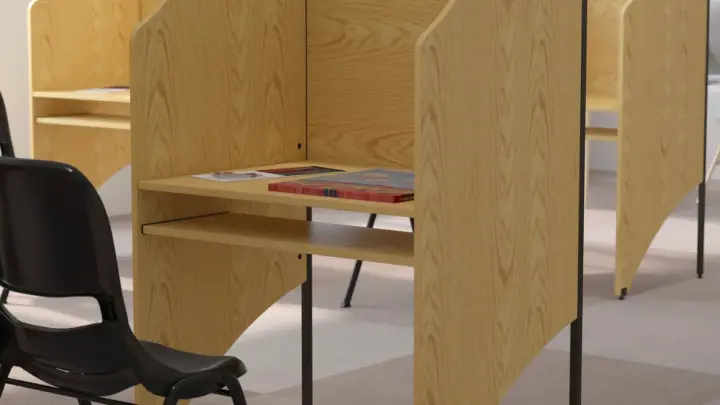
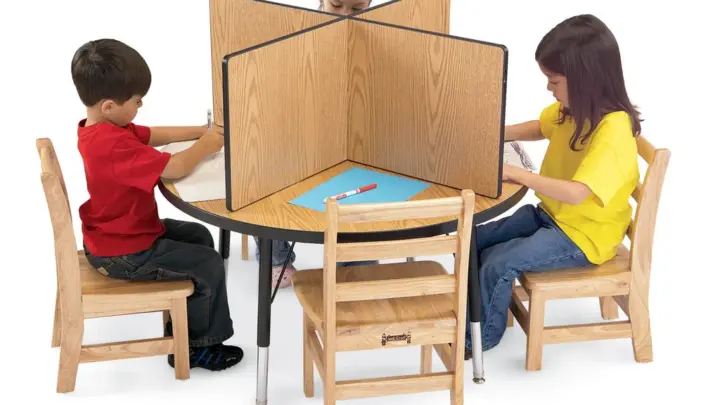
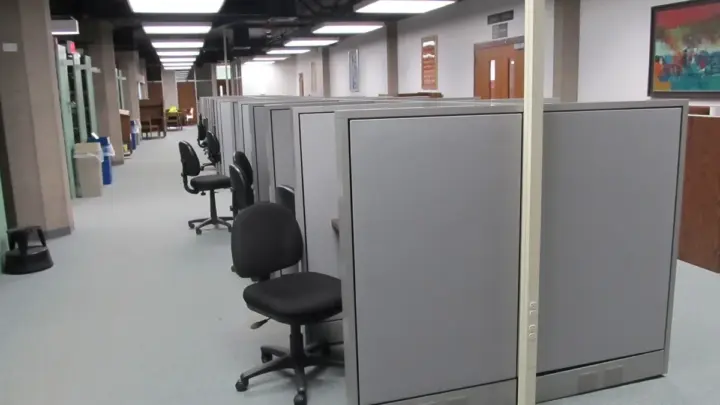
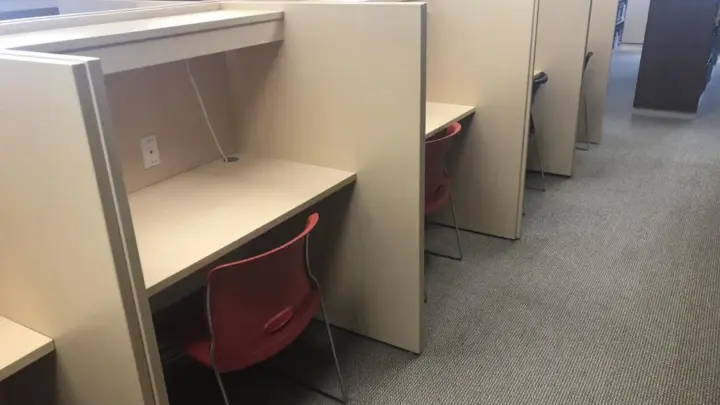
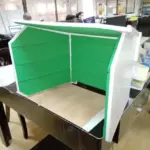
Carrel walls make all of this sharper. A normal desk lets your gaze drift across the room. The wall removes that option.
Your focal distance barely moves for the entire session.
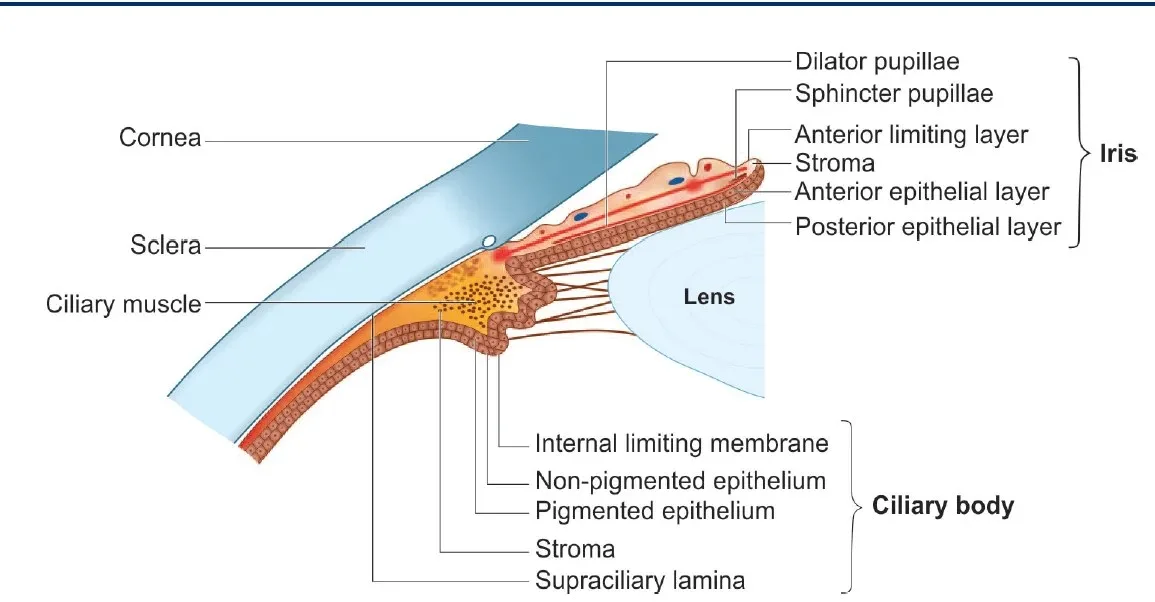
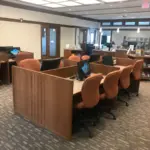
Image source: Web (Bing) / storage.googleapis.com (Web image (fair-use with source credit))
The Risk Factors That Turn Strain Into Damage
Distance, duration, and lighting
Shorter viewing distance raises accommodative demand. Twenty inches is much easier on the ciliary muscle than twelve. Carrels push people toward twelve without them realizing it.
Hours matter as much as distance. A two-hour session usually resolves overnight. Six hours a day, five days a week, does not.
That's when symptoms become chronic rather than occasional.
Poor lighting adds a third load. Dim light widens your pupil and softens contrast. Both force more accommodation for the same page.
Refractive error you don't know you have
Uncorrected astigmatism is common and quietly nasty. It smears the edges of every letter, and your eyes constantly micro-adjust to fix it. Small hyperopic prescriptions do the same in younger adults.
The fix is straightforward. An eye exam will catch it. Walk-in chain exams are fine for this.
Age, dry eye, and humidity
Presbyopia kicks in around 40. The lens stiffens and near focus gets harder. If you're in that window, near-work fatigue arrives faster than it used to.
Dry eye affects an estimated 5 to 50 percent of adults depending on how you define it. Low humidity makes it worse. Indoor winter air and desert climates both drain the tear film.
When near-work load becomes a myopia problem
Sustained near work is a recognized risk factor for myopia progression in children and young adults. Outdoor time of roughly two hours a day is protective. This is the one issue in this article you can't self-manage, so loop in an eye doctor.
Fix Your Setup First: Distance, Light, and Screen Position
Set viewing distance before anything else
Everything else follows from this number. Aim for 20 to 28 inches from your eyes to the screen. For print, 16 inches minimum.
Sit back. Extend your arm. Your screen should sit roughly at arm's length.
If it's closer, push it back and enlarge the font instead of leaning in.
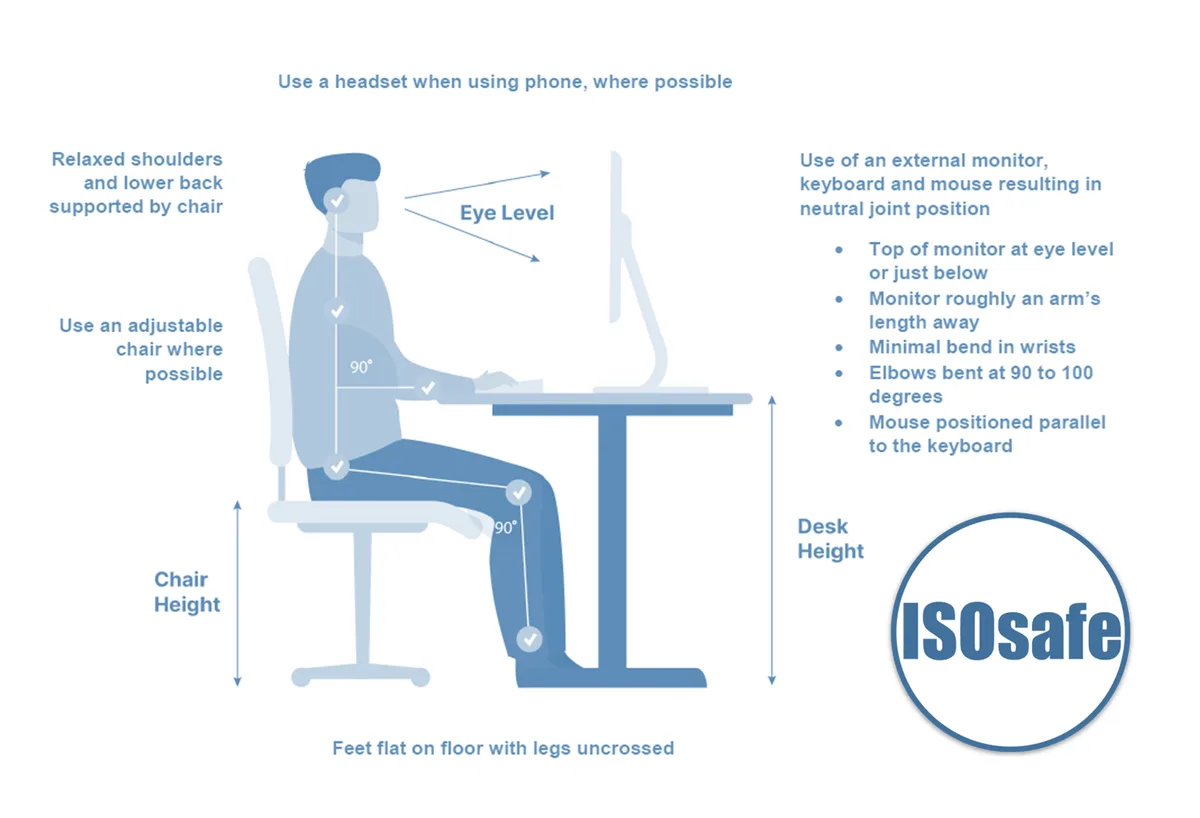
Image source: Bing (Web (fair-use with source credit))
Light the page, not the wall
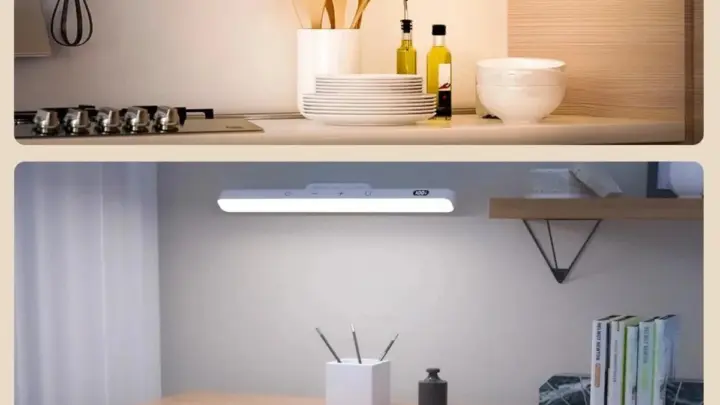
Task lighting beats overhead lighting for carrel work. Aim around 300 to 500 lux at your work surface. That's roughly a decent desk lamp on a white page.
Point the lamp at your paper, not the carrel wall behind it. Wall glare bounces straight back into your eyes. If you see a bright patch on the wall, angle the lamp away.
Match screen brightness to the room. A simple test: hold a sheet of white paper next to your screen. If the screen looks much brighter, turn it down.
Screen angle, brightness, and font size
Tilt the monitor back 10 to 20 degrees. That quiets reflections and cuts how much cornea is exposed to air.
Drop the top of the screen to eye level or slightly below. Looking slightly down is better for tear film than looking straight ahead or up.
Bump your font to 12 to 14 points minimum. Low contrast is the enemy. Black on white beats grey on grey every time.
Carrel-friendly gear worth considering
- An adjustable task lamp with a warm color temperature around 2700 to 3400K
- A small desk humidifier to hit 40 to 60 percent relative humidity
- Anti-reflective coating on your glasses
- A timer you have to physically tap
- A laptop riser or monitor arm to fix height
The Break Protocol That Survives a Real Study Day
20-20-20, 30-30-30, and why timers fail
The 20-20-20 rule is the baseline. Every 20 minutes, look 20 feet away for 20 seconds. Clinicians often push 30-30-30 for heavy near-work loads.
Phone timers fail because you swipe them off. You need friction. A physical timer on the desk, a paper sticky, or a standing alarm all beat a notification.
Image source: Bing (Web (fair-use with source credit))
Distance breaks when there's nowhere to look
Carrel walls block the view. So cheat. Stand up and look down the aisle.
Look out a doorway or window. Walk to the end of the row.
The point isn't the scenery. It's the shift in focal distance. Twenty seconds at 12 or more feet is enough to let the ciliary muscle release.
Blink resets and tear film rescue
Every 20 minutes, do ten slow, full blinks. Really close the lids. Half-blinks don't spread tears properly.
If your eyes feel dry, artificial tears help. Preservative-free vials are kinder for frequent use. Warm compresses once a day support the oil glands that stabilize the tear film.
Microbreaks versus real breaks
Microbreaks are five to ten second eye rests between tasks. Real breaks are two to five minutes away from the desk. You need both, but the real break is the one that resets your focus range.
| Break type | Duration | What to do |
|---|---|---|
| Microbreak | 5-10 sec | Look up, blink fully, roll shoulders |
| 20-20-20 | 20 sec | Gaze 20+ feet away |
| Real break | 2-5 min | Stand, walk, hydrate, refocus at distance |
| Long break | 15-30 min | Every 2-3 hours, get outdoors if possible |
Glasses, Drops, and Clinical Options Worth Asking About
AR coatings, blue light, and occupational lenses
Three different products often get lumped together. Anti-reflective coatings cut glare and reflections from screens and lamps. Cheap version of the story, real benefit.
Blue light glasses have weak evidence for comfort and none for retinal protection at screen levels. The American Academy of Ophthalmology doesn't recommend them for eye strain.
Occupational or office lenses are built for near-to-intermediate focus. If you're doing more than four hours of close work a day, ask about them.
The drugstore reading glasses trap
Drugstore readers are fine if your only issue is mild presbyopia and your eyes are symmetrical. If you have astigmatism or a difference between eyes, they can actually add strain.
If reading glasses make things worse or give you a headache, that's your signal. See an optometrist and get a real prescription.
Artificial tears, humidity, and warm compresses
Preservative-free artificial tears are the safest frequent-use option. Use them before symptoms start, not after.
Keep indoor humidity between 40 and 60 percent. A cheap hygrometer tells you where you stand. Warm compresses for five to ten minutes a day support meibomian gland function.
When to push for a fuller eye exam
Ask specifically about near-work comfort, not just 20/20 vision. Tell the optometrist you spend hours in a carrel. Bring your screen distance and typical daily hours.
An annual exam is the baseline. Changes in vision, new floaters, or persistent headaches deserve an earlier visit. The National Eye Institute has plain-language guidance on what to expect at an eye exam.
Mistakes That Keep People Stuck
Pushing through and calling it discipline
Pushing through discomfort never fixes the underlying load. It just delays symptoms until they hit harder in the afternoon. Study discipline is about sessions, not about tolerating eye pain.
If you're treating eye strain as a willpower problem, you'll lose. The treatment is mechanical. Change the distance, change the breaks, change the light.
Nothing about grit helps here.
Trusting blue light glasses to fix everything
Blue light glasses are the most oversold product in this category. The evidence for comfort is weak and the evidence for retinal protection at screen levels is basically nothing.
Wearing them while your screen sits 11 inches away misses the point entirely. Fix distance first. Consider coatings and lenses second.
Blue light filters belong far down the priority list.
Ignoring headaches, blur, and dry eye signals
An afternoon headache is usually a signal, not a coincidence. Blur that clears when you look up is a classic accommodation symptom. Dry, gritty eyes at hour five mean your tear film is failing.
Don't override these with painkillers and eye drops alone. Treat the cause. Otherwise as of 2026 you'll still be chasing the same afternoon crash.
When to Stop Self-Treating and See an Eye Doctor
Symptoms that need same-day attention
Most strain is annoying, not urgent. Some symptoms are different. Sudden vision loss, a curtain across part of your vision, or a burst of new floaters and flashes mean urgent care, not a study break.
Eye pain that's sharp rather than achy is another red flag. So is persistent double vision. Don't wait these out.
What to tell your optometrist about carrel work
Say the words "carrel" and "long near-work sessions." Describe your viewing distance and how many hours you log. Mention headaches, dry eye, and afternoon blur specifically.
Ask about refractive error, especially astigmatism. Ask whether occupational lenses fit your situation. Ask about tear film stability if dryness is your main symptom.
Accommodations worth asking for
In academic or workplace settings, you can often request adjustments. A monitor arm, a task lamp, or a larger screen at fixed distance all fall under typical reasonable accommodations.
Per OSHA guidance on computer workstations, employers should address ergonomic setup. That includes screen distance, lighting, and break scheduling.
FAQ
How far should my screen be in a carrel?
Aim for 20 to 28 inches from your eyes to the screen. For paper, 16 inches minimum. If the carrel forces you closer, enlarge the font and push the material back instead of leaning in.
Does the 20-20-20 rule actually work?
Yes, if you follow it. Every 20 minutes, look 20 feet away for at least 20 seconds. Evidence supports short distance breaks for reducing accommodative fatigue.
The hard part is remembering, so use a physical timer.
Are blue light glasses worth buying?
For eye strain, mostly no. The AAO doesn't recommend them for computer vision syndrome. Anti-reflective coatings and occupational lenses help more for glare and near-focus demand.
What if there's no window or view from my carrel?
Stand up and walk down the aisle. Look at the far end of the room or a doorway. The goal is the distance shift, not the scenery.
Even 12 feet is far better than 20 inches.
Can eye strain cause permanent damage?
Typical digital eye strain does not cause permanent damage. It's muscular fatigue, and it recovers with rest. Persistent symptoms or new vision changes should be checked, since they can point to something else.
Do I need a special prescription for near work?
Sometimes. If you log more than four hours a day of close work, ask your optometrist about occupational lenses. Also get checked for astigmatism or a small hyperopic correction you might be missing.
Bottom Line: Protect the Eyeballs, Not Just the Study Hours
The core moves are simple. Push your viewing distance past 20 inches. Set a break timer that survives your study day.
Blink on purpose. Light your page, not the wall.
Carrel walls cap what your eyes can do naturally. You have to engineer the workarounds. None of them are expensive or complicated.
All of them need to actually happen.
If strain symptoms stick around after two weeks of fixing your setup, book the eye exam. There might be a prescription or tear film issue in play that no lamp or timer will solve.

Similar Posts