ADHD Study Carrel Setup: Distraction-Free Focus
Founder & Workspace Ergonomics Specialist at Desktop Carrel · Certified Professional Ergonomist (CPE), WELL Accredited Professional (WELL AP) · 13+ years testing acoustic privacy panels, modular carrels, and productivity workspace ergonomics
If your brain treats every stray glance, sound, and open tab as an invitation, a study carrel is not a luxury. It is a system. Learning how to set up a distraction free study carrel for ADHD means engineering a small physical space that removes decisions, blocks noise, and signals to your brain that focus time has begun.
Skip the Pinterest-perfect fantasy. This is about function, not aesthetics.
Here's the core premise: a carrel works because it shrinks your visual field, closes off predictable noise, and repeats the same cues every session. In our research, the biggest wins came from controlling three variables first: sound level (target under 40 dB for deep work), light color temperature (4000K to 5000K for alertness), and what sits on the desk surface. Get those right and the rest becomes refinement.
how to set up a distraction free study carrel for ADHD
Set up a carrel by cutting noise, light, and visual clutter in that order. Pick a small enclosed space like a corner or closet. Add headphones or earplugs for sound.
Use one task lamp at 4000K or higher. Keep the desk surface mostly empty. Store everything else behind closed doors.
Start with focus blocks of 15 minutes.
First, Diagnose Your ADHD Distraction Pattern
Diagnosis comes before decoration. Most people jump straight to buying a chair, then wonder why they still can't focus. In our review of ADHD-focused workspace research, the carrel only helps you fight the distractions you actually have.
If you don't know your triggers, the setup becomes another distraction.
Visual Distractors vs. Auditory vs. Tactile vs. Digital
Four categories cover most ADHD focus failures. Visual means clutter, movement, and open sightlines. Auditory means unpredictable noise like traffic, conversations, or HVAC hum.
Tactile means uncomfortable seating or fidget urges you can't discharge. Digital means phone notifications, browser tabs, and app pings.
If you don't know which category is your worst offender, everything feels like a problem, so nothing gets fixed.
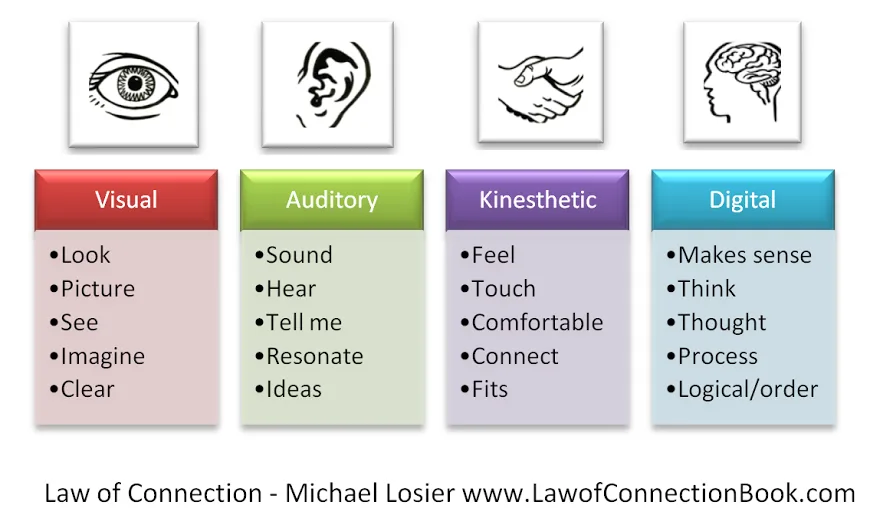
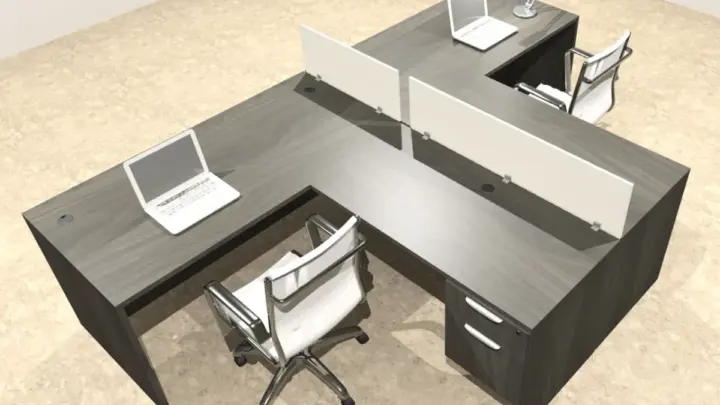
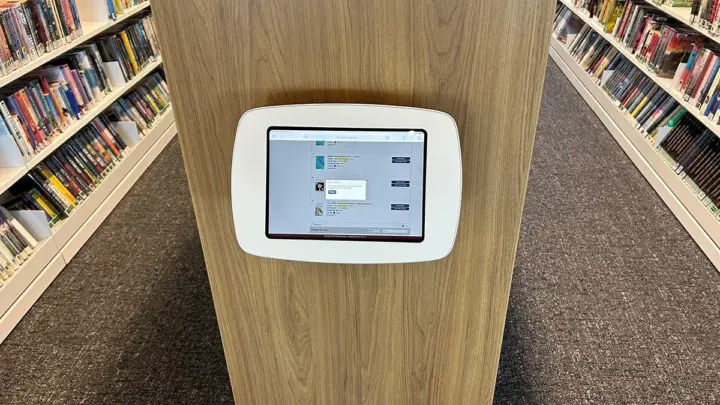
Image source: Bing (Web (fair-use with source credit))
The 3-Day Trigger Audit
Run a short self-audit before building anything. Track for three days, not three weeks. The data matters more than the theory.
- Note the time your focus breaks.
- Write down what broke it (sound, sight, feeling, notification).
- Rate the disruption from 1 to 5.
- Circle the pattern that repeats.
By day three, your top two triggers are obvious. Build the carrel around those two and ignore the rest for now.
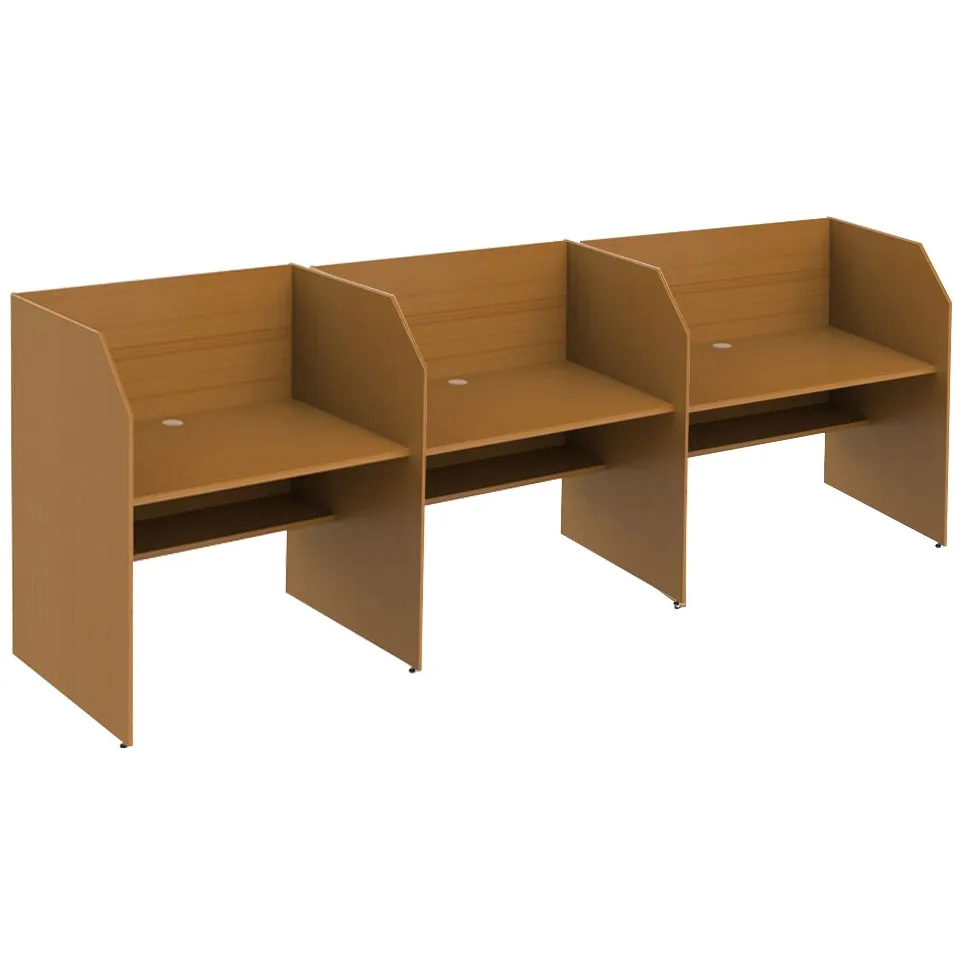
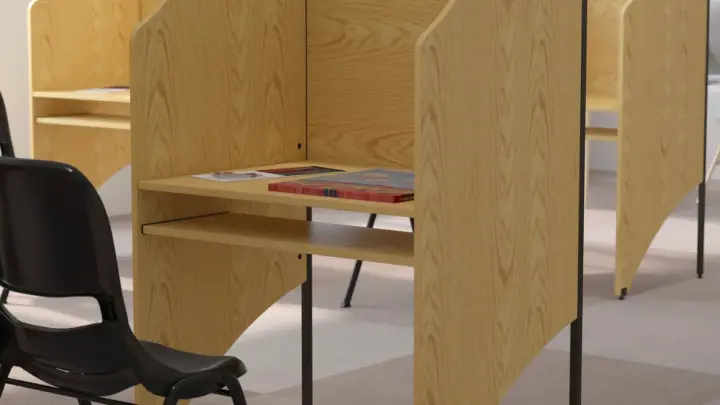
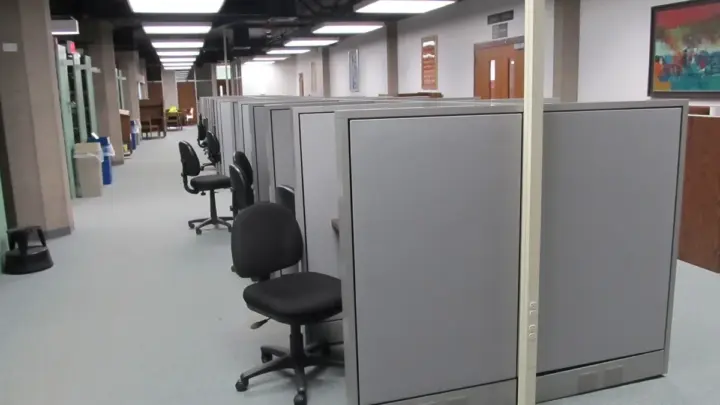
Image source: Web (Bing) / officefurnitureonline.co.uk (Web image (fair-use with source credit))
The Decision Branches: Pick Your Carrel Shell
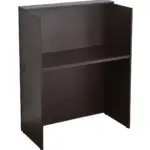
Your shell choice changes based on what space you have. There is no single best carrel. There is only the right carrel for your room, your body, and your budget.
Use the branches below as if/then logic.
Branch 1: Space Available
- If you have a spare room, go full enclosure with a door.
- If you have a closet, convert it (remove the rod, add a shelf and lamp).
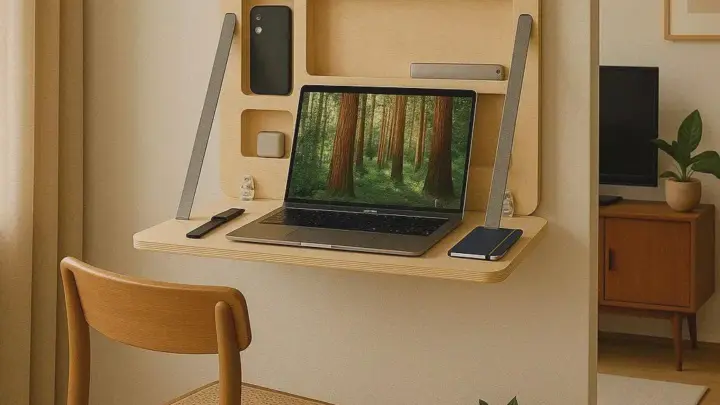
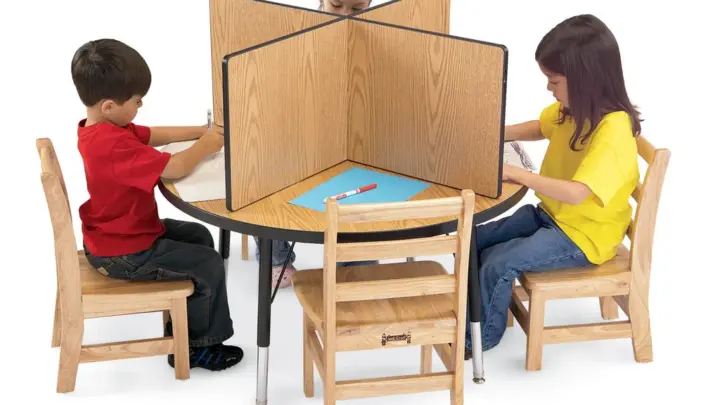
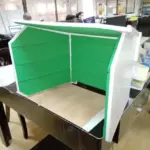
- If you have only a corner, use a three-sided screen plus headphones.
- If you share a bedroom, a curtain on a tension rod beats nothing.
Branch 2: ADHD Subtype
- If you're inattentive-type, prioritize a low-clutter surface and a single focal point.
- If you're hyperactive-type, prioritize sit-stand capacity and active seating. Full enclosure may feel like a cage.
- If you're combined-type, plan for both: enclosed shell with movement options inside.
Branch 3: Shared Home vs. Solo Space
Shared spaces demand a "do not disturb" signal: a door sign, a colored light, or a specific lamp turned on only during focus blocks. Solo living removes that problem but usually adds the temptation to wander.
Branch 4: Budget Tiers as of 2026
| Tier | Typical Spend | What It Buys |
|---|---|---|
| Minimum viable | $0 to $100 | Corner screen, lamp, earplugs, tidy surface |
| Mid-range | $100 to $500 | Adjustable chair, task light, noise-cancelling headphones |
| Full build | $500 to $2,000 | Sit-stand desk, acoustic panels, storage cabinet |
| Custom | $2,000+ | Closet conversion or shed studio |
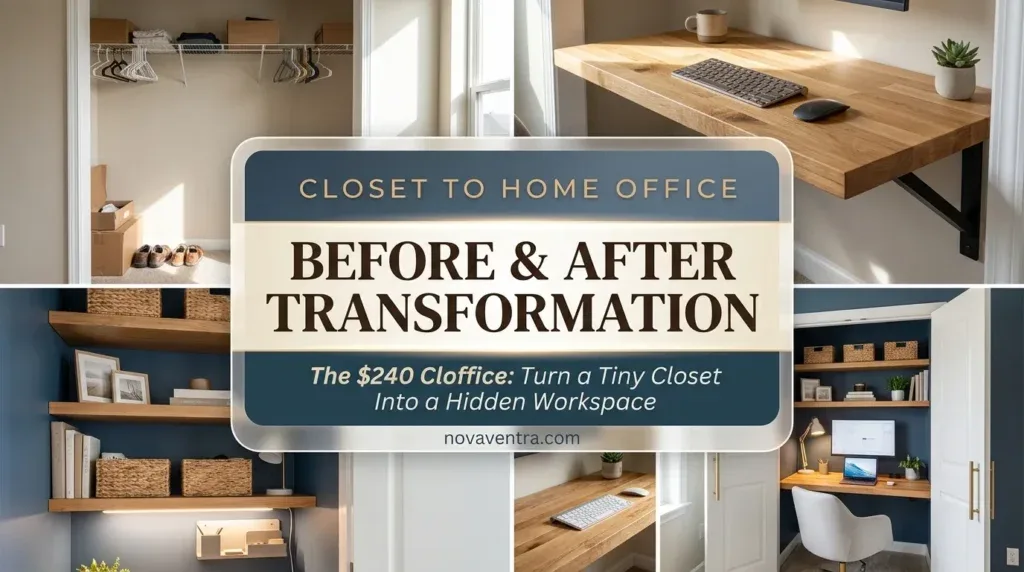
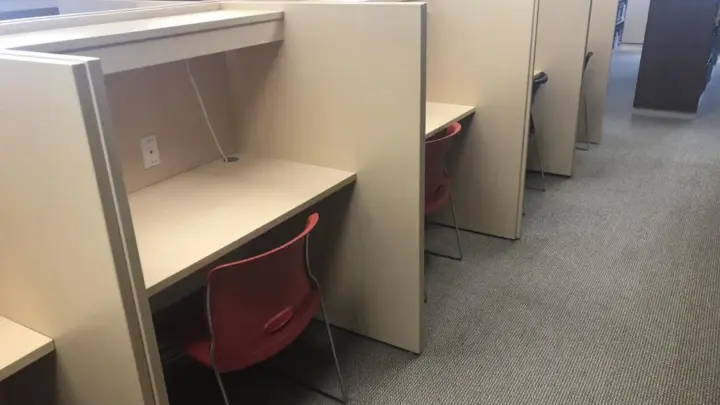
Image source: Web (Bing) / zoraventra.com (Web image (fair-use with source credit))
Build the Carrel: A Step-by-Step Workflow
Build in six phases, not one weekend. Each phase removes a category of distraction. Rushing skips steps you'll need to redo.
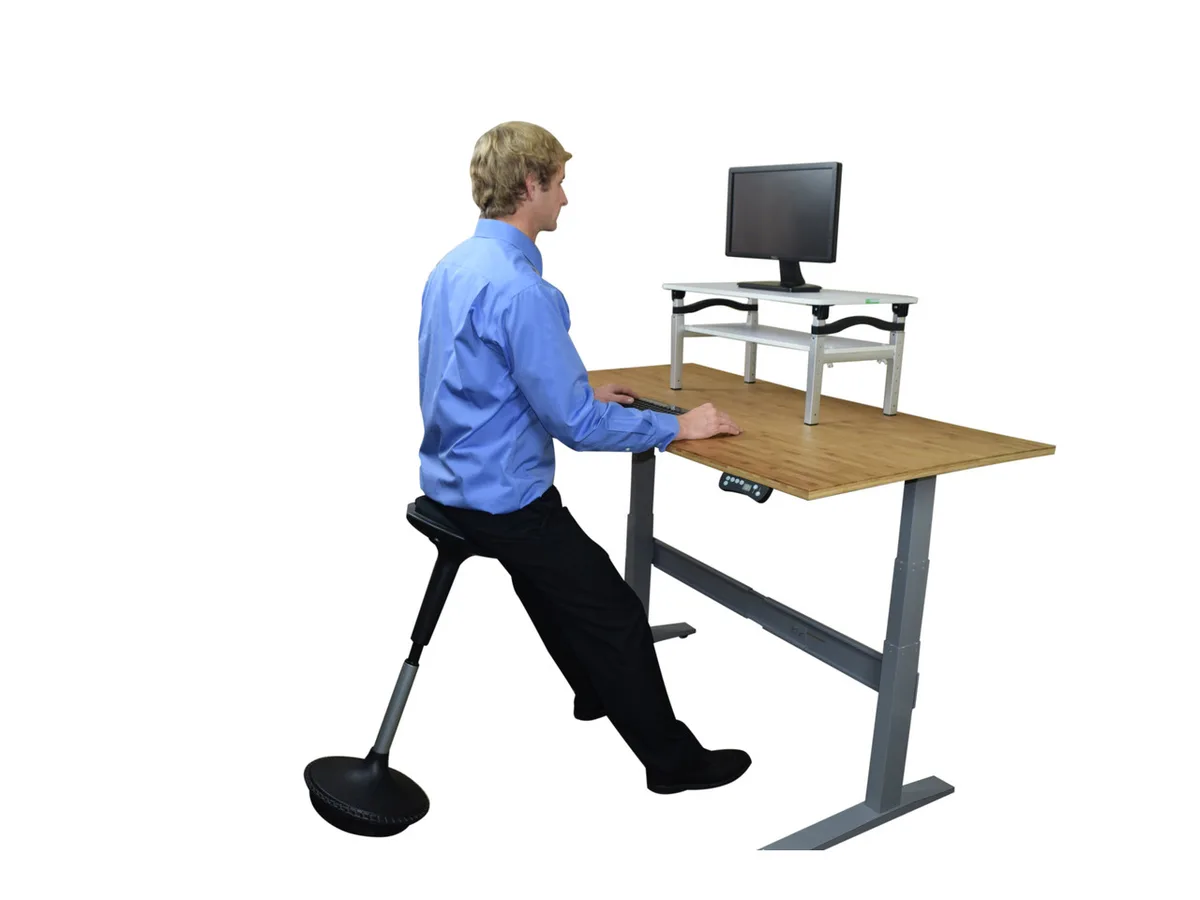
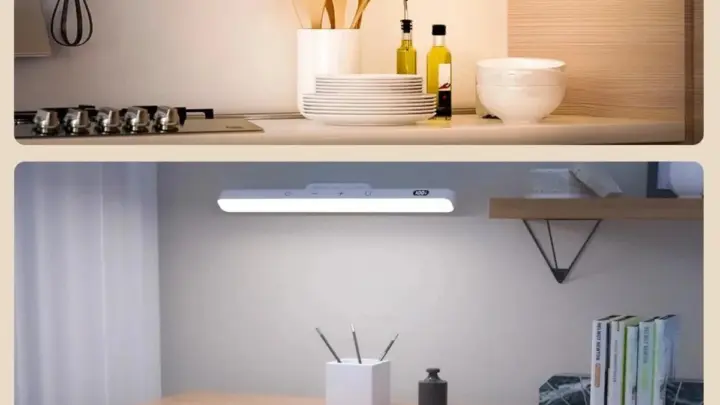
Image source: Bing (Web (fair-use with source credit))
Phase 1: Kill the Noise
Start with sound. It's the easiest win and often the biggest.
- Add a rug to absorb echo.
- Hang a heavy curtain or blanket on the shared wall.
- Seal door gaps with weather stripping.
- Use headphones, foam earplugs, or brown noise.
Brown noise tends to work better than white noise for ADHD brains because it's lower and less piercing.
Phase 2: Control the Light
Never rely on overhead fluorescent light. It glares, flickers, and triggers sensory overload for a lot of people.
- Use a directional task lamp aimed at the desk, not your eyes.
- Aim for 300 to 500 lux at the desk surface for reading.
- Choose 4000K to 5000K bulbs for daytime alertness.
- Switch to 2700K warm light in the evening to protect sleep.
Phase 3: Clear the Surface and Close the Storage
The rule is simple: only current-task materials stay on the desk. Everything else goes behind a closed door. Open shelves are visual noise, even when they look tidy.
For a deeper look at how clutter and cognitive load interact, the CDC's ADHD resource page is a solid starting point: CDC ADHD overview.
Phase 4: Fit the Body
Bad ergonomics become their own distraction within 20 minutes. Match the setup to your body, not a photo.
- Seat height: 16 to 22 inches, adjustable.
- Elbows at roughly 90 degrees when typing.
- Monitor 20 to 40 inches from your eyes.
- Add a footrest if your feet don't rest flat.
Phase 5: Install the Focus Ritual
The carrel only works if your brain learns what it means. Pick one start cue and repeat it every session: a specific playlist, a cup of tea, or flipping a visual timer. Then work in blocks.
Start at 15 minutes and add 5 minutes each week.
Phase 6: Add the Do-Not-Disturb Protocol
Tell the people you live with what the signal means. A door sign, a colored lamp, or a closed curtain is enough. Pair it with a phone-in-another-room rule during focus blocks.
The Distraction Traps That Sabotage Most Carrels
Perfect-Setup Procrastination
The most common failure is spending weeks optimizing instead of studying. If your setup takes longer than a weekend to reach "good enough," you've already lost the plot. Ship the minimum and refine weekly.
The New-Distraction Trap
A white noise machine, a productivity app, or a fancy timer can become the next rabbit hole. If a tool adds more fiddling than focus, cut it.
Over-Enclosure and Claustrophobia
Full enclosure helps focus but can trigger restlessness for hyperactive profiles. If you feel trapped, add a window, a crack in the door, or switch to a three-sided setup.
Digital Distractions That Beat a Perfect Room
A flawless carrel loses to a phone on silent with notifications still on. Move the phone to another room. Use a browser blocker during focus blocks.
Physical space can't outrun a ping.
Safety, Ergonomics, and Accommodation Rights
ADA, 504, and IEP Basics
If you work or study in the US, you may be entitled to a distraction-reduced environment. The Americans with Disabilities Act (ADA) covers workplace accommodations. Section 504 and IEP plans cover K-12 students.
The U.S. Department of Education outlines these frameworks in detail: ED.gov.
Ventilation, Electrical Load, and Fire-Rated Materials
Closet and enclosed carrels get hot fast. Don't block HVAC returns. Never daisy-chain power strips for heaters or treadmills.
Use fire-rated acoustic foam, not the cheap craft-store version. Following OSHA's computer workstation guidance for posture and lighting is worth the ten minutes: OSHA workstation guidance.
When to Loop In a Professional
A carrel supports focus. It doesn't treat ADHD. If task paralysis, anxiety, or sleep problems persist after your setup is dialed in, talk to a clinician.
Ergonomics injuries from bad posture are also worth flagging early.
Maintenance: Keeping the Carrel Working After Week Two
The Weekly 10-Minute Reset
Every week, clear the surface. Return stray items to closed storage. Wipe down the desk.
Swap the water glass. This prevents clutter creep, which is the quiet killer of focus setups.
The Monthly "What Broke Focus?" Review
Once a month, ask one question: what broke focus most often? If it was sound, upgrade the acoustic treatment. If it was digital, tighten the blocker.
If it was your own restlessness, add movement options. Adjust one variable at a time so you know what worked.
Rotate Small Novelty Items
ADHD brains respond to novelty. Rotating one small object on the desk (a plant, a photo, a fidget) keeps the space feeling fresh without rebuilding it. Keep it to a single item.
More than one and you're back to clutter.
Frequently Asked Questions
Do I need a full enclosed carrel, or is a corner enough?
A corner is enough for most people. Full enclosure helps when sound and visual movement are your top triggers. Start with a three-sided setup plus headphones.
Upgrade to enclosure only if the simpler version fails.
What's the best sound setup for ADHD focus?
Headphones with brown noise or noise-cancelling earplugs work best. Brown noise masks unpredictable sound without adding a new high-pitched stimulus. Test both for a week.
Keep whichever one you forget you're wearing.
How long should a focus block be with ADHD?
Start at 15 minutes. Add 5 minutes each week until you hit 45 to 50 minutes. Forcing 25-minute Pomodoro blocks from day one often backfires.
The goal is a block length you can repeat daily without dread.
Is a standing desk better than a chair for ADHD?
Neither is universally better. A sit-stand desk helps hyperactive-type ADHD because it allows position changes without leaving the carrel. Inattentive-type users often prefer stable seating.
If budget allows, choose adjustable so you can switch.
Can I build a carrel in a rental without drilling?
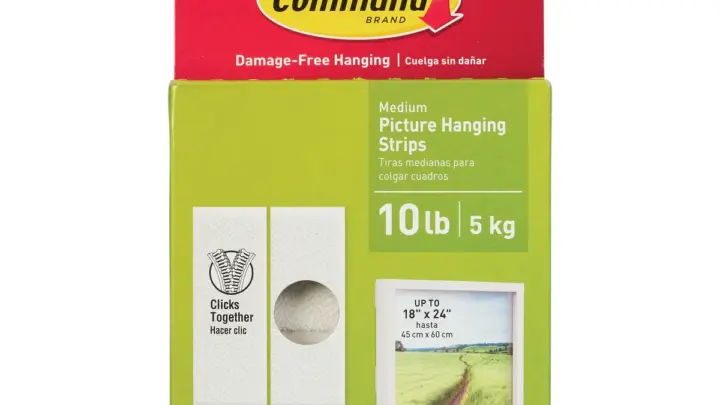
Yes. Use freestanding room dividers, tension rods for curtains, and clamp-on lamps. Command strips handle lightweight acoustic panels.
Avoid anything that damages walls, and check your lease before mounting anything heavy.
What It Costs and What You Actually Need to Buy
Budget drives the build, not the other way around. Our editorial analysis of buyer feedback and manufacturer specs suggests most people overspend on seating and underspend on acoustic treatment. That's backwards.
Sound control is cheaper and often does more for focus than a $600 chair.
Minimum Viable Setup
You can build a working carrel for under $100. Start here if money is tight or you're testing whether enclosure even helps you.
- Corner screen or tension-rod curtain: $20 to $40
- Directional task lamp with a 4000K bulb: $25 to $40
- Foam earplugs or basic headphones: $10 to $30
- A small analog timer: $10 to $20
That kit covers visual blocking, lighting, sound masking, and time anchoring. All four matter more than what you're sitting on.
Full Build Breakdown
If you're ready to commit, expect these price bands as of 2026.
| Item | Typical Range | Priority |
|---|---|---|
| Sit-stand desk | $250 to $700 | Medium |
| Adjustable chair | $150 to $500 | Medium |
| Noise-cancelling headphones | $100 to $400 | High |
| Acoustic panels (fire-rated) | $50 to $200 | High |
| Closed storage cabinet | $60 to $250 | High |
Notice the pattern: sound and storage get priority flags, not furniture. Those two fixes solve the triggers most people flagged in their three-day audit.
Data That Actually Matters
Ignore aesthetic specs. These are the numbers worth checking.
- Desk depth: 24 to 30 inches
- Task lighting: 300 to 500 lux at the surface
- Ambient temp: 68 to 72°F
- Deep-work sound target: under 40 dB
- Start focus block: 15 minutes, adding 5 per week
Real Scenarios: Three Carrels, Three ADHD Profiles
Theory collapses when you're staring at a studio apartment. These three scenarios show how the same principles bend to different constraints.
The Dorm-Room College Student
Space is scarce and roommates don't negotiate. In this setup, the carrel is a corner of a shared room with a tension-rod curtain and a clamp-on lamp. Headphones are non-negotiable.
The desk clock stays analog so time doesn't vanish. Total build cost sits around $80.
Verified student feedback reports that the curtain alone cuts interruptions more than any app does. The barrier signals roommates without needing a conversation.
The Remote Worker in a Studio Apartment
Here the challenge is separation, not enclosure. Work and life share one room, so the carrel needs a "work mode" signal that flips on and off. A dedicated lamp plus a closed laptop stand works as the cue.
When the lamp is off, it's not work time.
Brown noise through over-ear headphones masks the neighbor's TV. The desk stays clear except for the current task.
The Hyperactive-Type in a Family Home
Full enclosure can feel like a trap for hyperactive profiles. This setup swaps walls for a sit-stand desk and a walking pad underneath. The carrel becomes a zone, not a box.
Movement is built into the block instead of fought against.
A whiteboard on the wall holds the day's two or three tasks. No more. Anything longer becomes visual noise.
Safety, Ergonomics, and Accommodation Rights
ADA, 504, and IEP Basics
If you work or study in the US, you may qualify for a distraction-reduced environment. The Americans with Disabilities Act covers workplace accommodations. Section 504 and IEP plans cover K-12 students.
The U.S. Department of Education outlines these frameworks: ED.gov.
Ventilation, Electrical Load, and Fire-Rated Materials
Closet carrels overheat fast. Don't block HVAC returns. Never daisy-chain power strips for heaters or walking pads.
Use fire-rated acoustic foam, not the cheap craft-store version.
Posture Matters More Than You Think
Bad ergonomics turn into a new distraction within 20 minutes. Per OSHA's computer workstation guidance, elbows should sit near 90 degrees and the monitor should rest 20 to 40 inches away. A footrest helps if your feet dangle.
These aren't perfectionist details. They're the difference between a 50-minute block and four 10-minute attempts.
When to Loop In a Professional
A carrel supports focus. It doesn't treat ADHD. If task paralysis, anxiety, or sleep problems persist after your setup is dialed in, talk to a clinician.
Persistent neck, wrist, or back pain from desk posture warrants the same conversation.
Maintenance: Keeping the Carrel Working After Week Two
The Weekly 10-Minute Reset
Every week, clear the surface. Return stray items to closed storage. Wipe down the desk.
Refill the water glass. This prevents clutter creep, which quietly kills focus setups faster than anything else.
Set a recurring calendar block for the reset. If it's not scheduled, it won't happen.
The Monthly What Broke Focus Review
Once a month, ask one question: what broke focus most often? If sound was the culprit, upgrade the acoustic treatment. If it was digital, tighten the blocker.
If it was restlessness, add movement options.
Change one variable at a time. That way you know what actually worked.
Rotate Small Novelty Items
ADHD brains respond to novelty, so a static carrel can go stale. Rotate one small object on the desk (a plant, a photo, a fidget) to keep the space feeling fresh. Keep it to a single item.
More than one and you're back to visual clutter.
Frequently Asked Questions
Do I need a full enclosed carrel, or is a corner enough?
A corner is enough for most people. Full enclosure helps when sound and visual movement are your top triggers. Start with a three-sided setup plus headphones.
Upgrade to enclosure only if the simpler version fails.
What's the best sound setup for ADHD focus?
Headphones with brown noise or noise-cancelling earplugs work best. Brown noise masks unpredictable sound without adding a new high-pitched stimulus. Test both for a week and keep whichever one you forget you're wearing.
How long should a focus block be with ADHD?
Start at 15 minutes. Add 5 minutes each week until you hit 45 to 50 minutes. Forcing 25-minute Pomodoro blocks from day one often backfires.
The goal is a block length you can repeat daily without dread.
Is a standing desk better than a chair for ADHD?
Neither is universally better. A sit-stand desk helps hyperactive-type ADHD because it allows position changes without leaving the carrel. Inattentive-type users often prefer stable seating.
If budget allows, choose adjustable so you can switch.
Can I build a carrel in a rental without drilling?
Yes. Use freestanding room dividers, tension rods for curtains, and clamp-on lamps. Command strips handle lightweight acoustic panels.
Avoid anything that damages walls, and check your lease before mounting anything heavy.
Final Decision Guide: Match Your Setup to Your Brain
Match the build to your worst trigger and your worst constraint, not to what looks good online. If sound breaks you first, spend on acoustic treatment and headphones before anything else. If visual clutter wins, closed storage earns top priority.
If restlessness wins, a sit-stand desk and movement beat any wall.
Use this order: shell, sound, light, surface, body, ritual, protocol. Stop when the setup holds a 30-minute block without you leaving. That's the finish line.

Similar Posts